Organize Documents with Flexible Page Management
Move and reorder PDF pages to improve flow, enhance clarity, and achieve a professional layout using intuitive and easy-to-use controls.
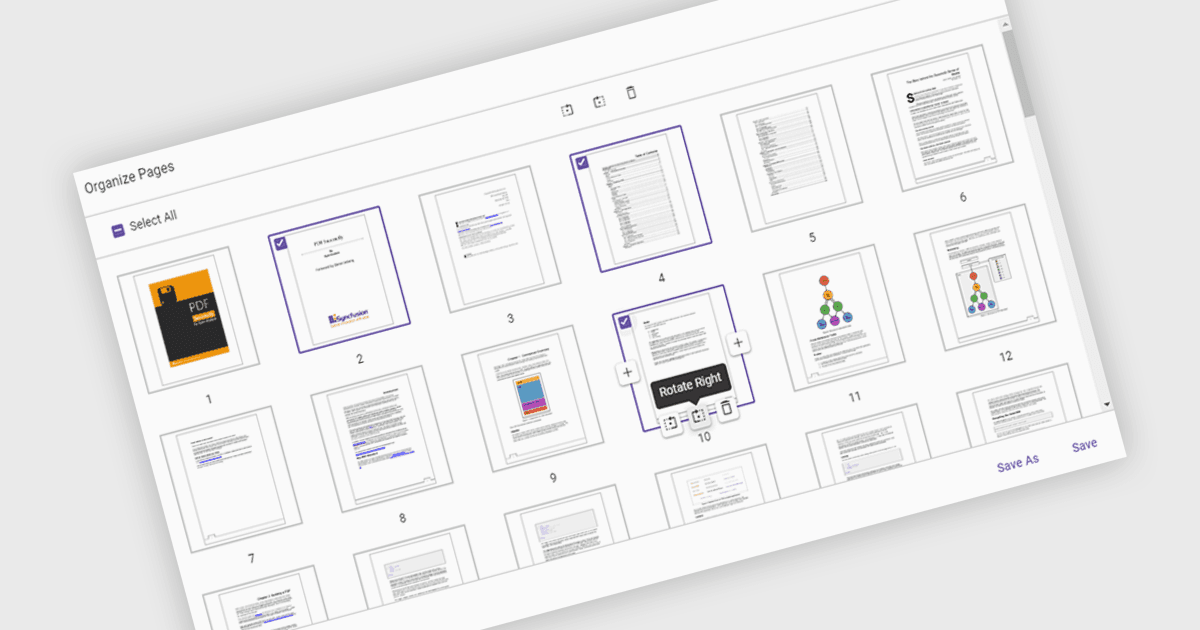
Moving pages in a PDF Viewer refers to the ability to change the order of pages within a document to better organize content, improve readability, or tailor the structure for specific purposes. This feature is especially useful when compiling reports, combining multiple documents, or correcting the sequence of scanned pages. By simply dragging and dropping pages into the desired order, users can streamline workflows without the need for re-creating or re-exporting files. Benefits include enhanced document clarity, improved presentation flow, and increased efficiency in content management. For example, a marketing team can reorder proposal sections for greater impact, or a legal department can organize case files by relevance.
Several ASP.NET Core PDF Viewer components allow you to move pages within a PDF file, including:
- Document Solutions for PDF by MESCIUS lets you effortlessly rearrange, duplicate, or remove PDF pages to refine structure and enhance presentation flow.
- Telerik UI PDF for ASP.NET Core facilitates intuitive page reordering within PDFs, supporting precise layout adjustments directly in web-based applications.
- Syncfusion ASP.NET Core PDF (part of Syncfusion Essential Studio Enterprise) allows you to reorder and organize PDF pages programmatically, enabling dynamic document customization for various workflows.
For an in-depth analysis of features and price, visit our comparison of ASP.NET Core PDF Viewer components.