Render HTML as PDF for Accurate Output
HTML-to-PDF conversion preserves web layout and style in a portable format, ideal for reports, statements, or dynamic documents.
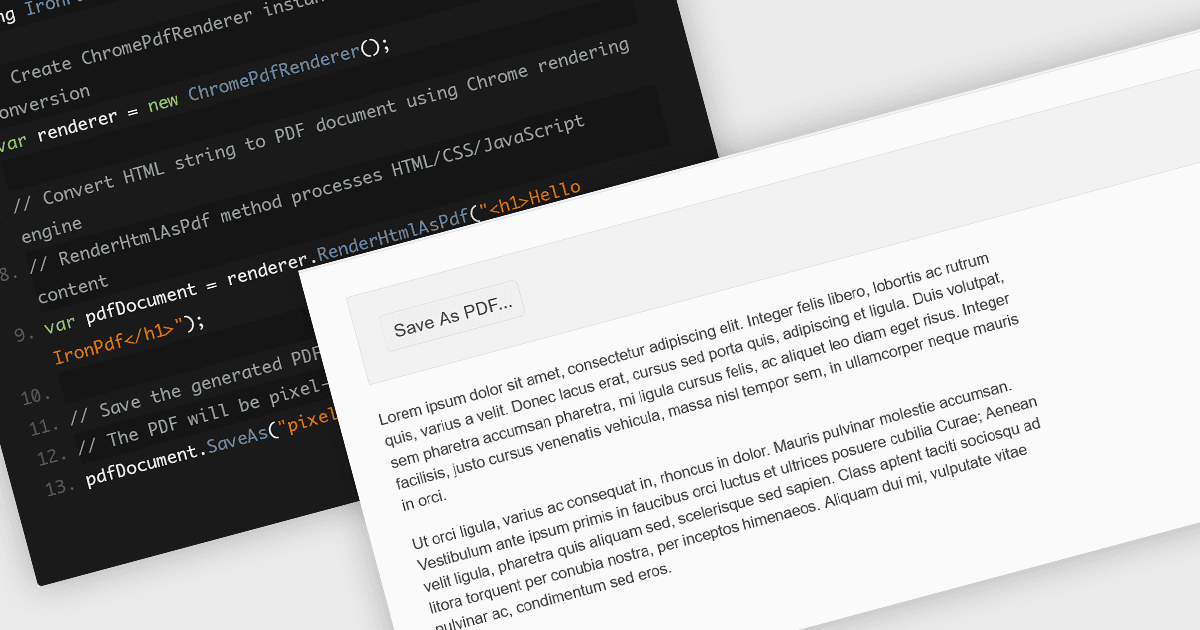
Converting HTML files to PDF within PDF component libraries offers an easy way to capture richly styled, web-based content in a fixed, shareable format. This feature typically uses a browser-like rendering engine to accurately represent CSS, images, fonts, and links, ensuring that what you see in the browser is preserved in the document. It's especially useful for generating reports, invoices, documentation, and static snapshots of dynamic web pages, combining familiarity of web-based layout with the portability and consistency of PDFs.
Several JavaScript PDF controls offer HTML fo PDF conversion including:
- Kendo UI PDF for Angular (part of Kendo UI by Telerik) enables client-side export of any HTML element or entire pages directly into PDF..
- Aspose.PDF for JavaScript via C++ includes a robust HTML-to-PDF conversion engine (available in both on-premise and cloud APIs) that supports external CSS and resources.
- IronPDF for Node.js by Iron Software leverages a Chromium-based rendering engine to convert HTML strings, files, or URLs into PDF documents.
For an in-depth analysis of features and price, visit our JavaScript PDF controls comparison.