Edit and Refine Spreadsheet Data with Precision
Advanced cell-level tools let users enter, format, and adjust spreadsheet content effortlessly, combining accuracy with intuitive interaction.
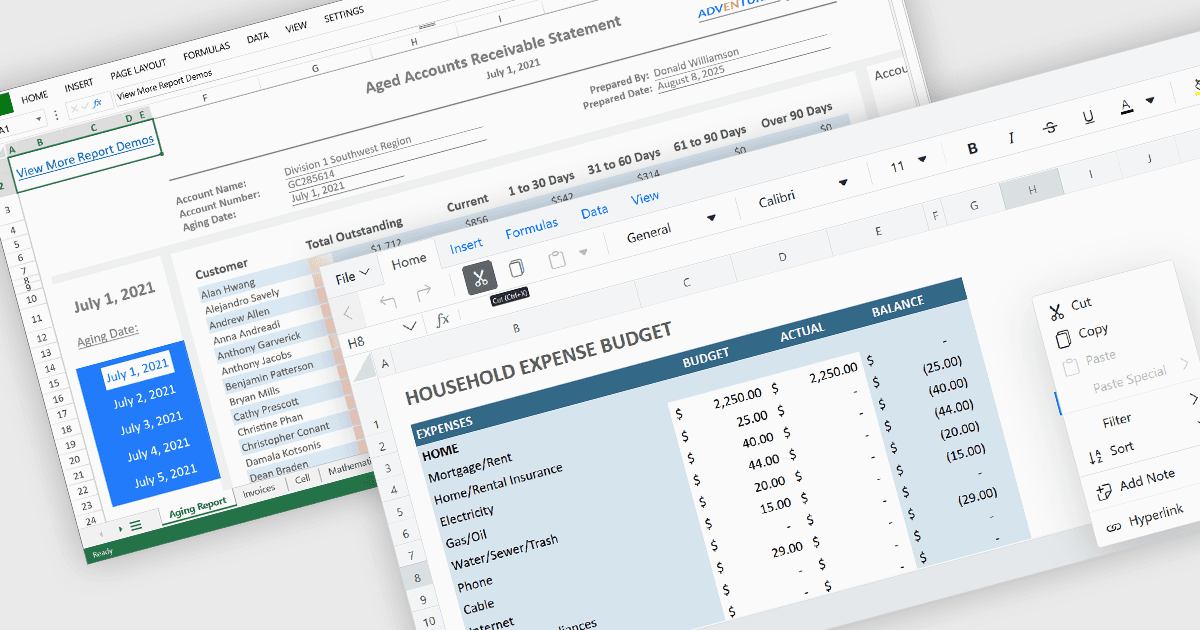
Cell-level editing and interaction features are essential components of any modern spreadsheet application, as they directly influence how users enter, modify, and manage data at the most granular level. These capabilities go beyond basic typing to provide enhanced flexibility, control, and context, enabling users to maintain accuracy while streamlining workflows. A well-designed set of cell-level tools supports both data integrity and user productivity, ensuring that spreadsheets can handle everything from quick updates to complex, structured datasets with efficiency and precision.
Common features include:
- Cell Comments/Tooltips enable contextual notes or guidance to be attached to specific cells, aiding collaboration and documentation.
- Cell Formatting provides options for adjusting fonts, colors, borders, and number formats, improving both readability and visual appeal.
- Clipboard Operations such as cut, copy, and paste simplify moving or duplicating content while preserving formatting and formulas.
- Find / Replace simplifies locating and updating values across large datasets.
- In-cell Data Editing allows users to enter or update values directly within a cell for faster, more intuitive workflows.
- Inserting Columns enables users to add new vertical sections to the spreadsheet, creating space for additional data fields or reorganizing existing content without overwriting adjacent information.
- Inserting Images enables embedding of visual elements directly into the spreadsheet for richer presentations.
- Inserting Rows allows the addition of new horizontal entries, supporting expansion of datasets, schedules, or tables while maintaining the integrity of surrounding data.
- Merging Cells lets users combine multiple cells into one for clear headings or layout adjustments.
For an in-depth analysis of features and price, visit our Angular spreadsheet components comparison.