Ensure Text Accuracy Across your WPF Apps
Spell checkers help users to catch errors as they type, with red underlines, correction suggestions, and custom or multi-language dictionary support.
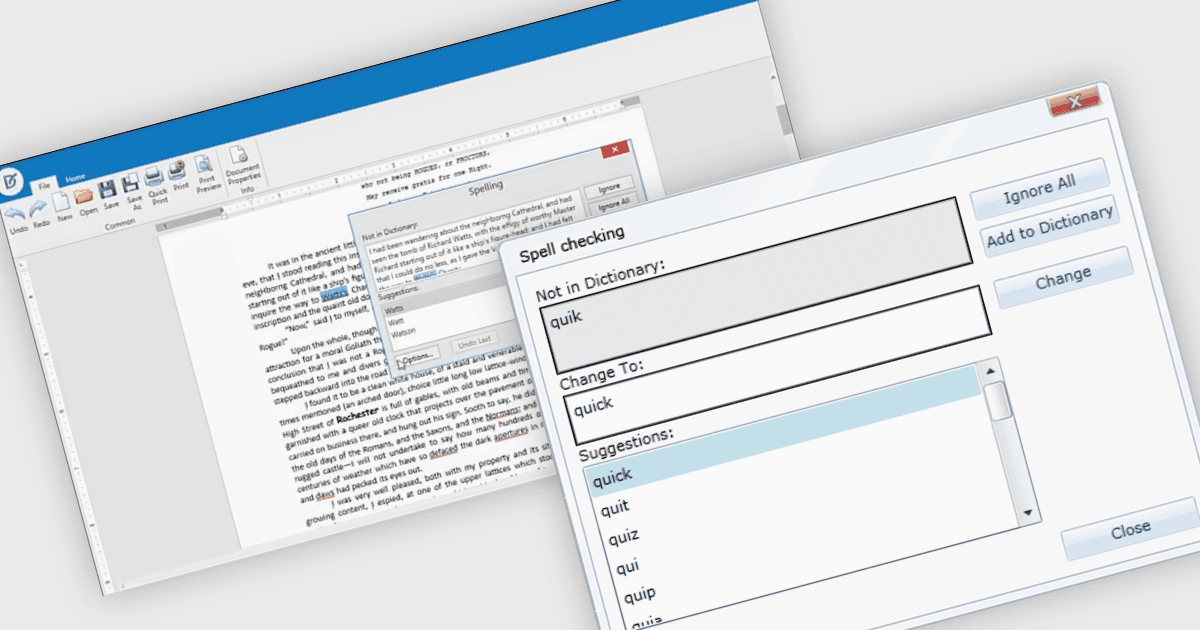
Spell-checker components in UI suites provide built-in functionality to detect and correct spelling errors within user-input fields and documents. They enhance text accuracy by underlining errors as the user types and offering context-menu corrections or dialog-based review, mirroring the familiar, production-grade experience found in Microsoft Office. These components typically support multiple dictionary formats (such as ISpell, OpenOffice, Hunspell, or custom dictionaries), integrate seamlessly into both basic and advanced text editors, and are essential for ensuring text quality in enterprise and productivity applications.
Several WPF UI suites offer spell checker components including:
- DevExpress WPF includes a Spell-Checker component which delivers a Microsoft Office-inspired experience with check-as-you-type features and configurable dictionaries.
- Telerik UI for WPF offers RadSpellChecker which allows spell checking across several controls including TextBox, RichTextBox, RadRichTextBox, RadGridView, and DataGrid.
- ComponentOne Studio WPF by MESCIUS provides C1SpellChecker which brings rapid, Word-like spell checking, capable of processing up to 400,000 words per second.
- Infragistics Ultimate UI for WPF includes the xamSpellChecker control which supports nine language dictionaries (including multiple English variants).
For an in-depth analysis of features and price, visit our WPF UI suites comparison.