Quickly Locate Specific Text in PDF Documents
Create PDF viewers that support text searching functionality using Angular, allowing users to effortlessly find information in significantly less time.
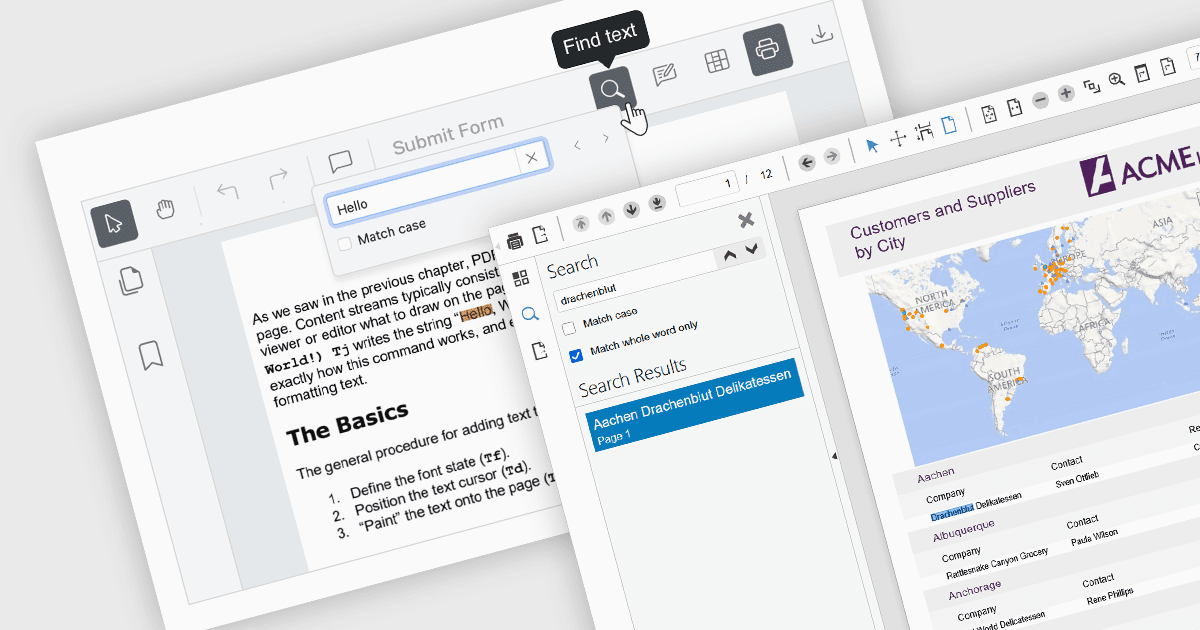
Text searching functionality in a PDF viewer allows users to quickly locate specific words or phrases within a PDF document by entering the keywords into a search field built into the viewer. It works by scanning the text layer of the PDF, highlighting matching results, and enabling fast navigation between the occurrences. Considered as baseline functionality, this very widely used feature provides an important benefit by eliminating the need to manually scroll and read through content, saving a significant amount of time when finding relevant information, especially in lengthy, complex or densely formatted documents.
Several Angular PDF viewer components allow you to search text, including:
- Wijmo PDFViewer (part of Wijmo by MESCIUS) lets you instantly locate words or phrases in PDF files by entering search terms directly into the viewer interface.
- Kendo UI PDF for Angular (part of Kendo UI by Telerik) provides in-viewer text search functionality so users can quickly find and navigate to specific content within the PDF.
- Syncfusion PDF Viewer (part of Syncfusion Essential Studio Enterprise) enables users to find and highlight matching text content throughout the PDF.
For an in-depth analysis of features and price, visit our comparison of Angular PDF viewer components.