Display Rich Interactive Reports in Blazor Apps
Blazor report controls with report viewers deliver paginated, export-ready reports featuring drill-down and input-based filtering.
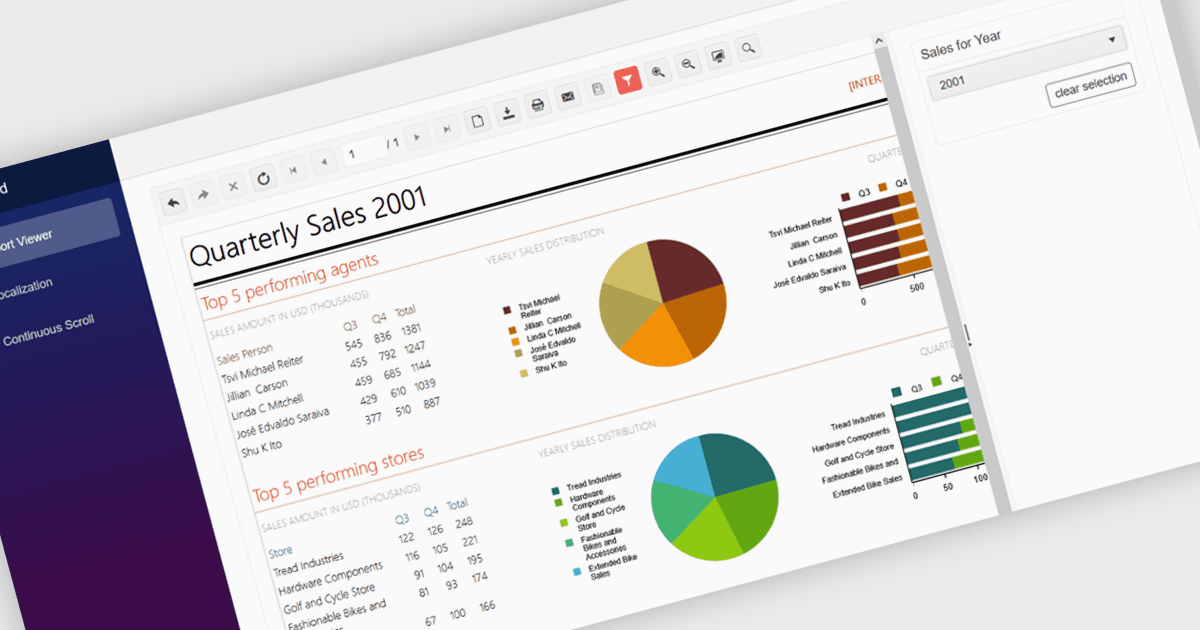
A report viewer in a Blazor report control allows developers to display interactive, paginated, and print-ready reports directly within Blazor applications. This component bridges the gap between server-side reporting capabilities and client-side UI responsiveness, offering a way to render complex reports in-browser without relying on external viewers or plugins. It supports common report features such as drill-down, export to various formats, and parameterized filtering, making it highly useful for enterprise dashboards and data-driven web applications. By integrating directly into the Blazor ecosystem, it ensures a cohesive development experience with consistent styling, fast rendering, and reduced client-server communication overhead.
Several Blazor reporting controls offer a report viewer including:
- Telerik Reporting enables report viewing in web and desktop apps with responsive viewers, parameter support, and built-in export functionality.
- ActiveReports.NET by MESCIUS allows you to embed customizable, high-performance report viewers into .NET applications, supporting drill-down, and export.
- DevExpress Reports lets you deliver consistent, interactive report viewing experiences across web, desktop, and mobile platforms with responsive design.
- Stimulsoft Reports.WEB facilitates flexible report viewing in browser-based applications, offering touch support, report navigation, and export options across modern platforms.
For an in-depth analysis of features and price, visit our comparison of Blazor reporting controls.