Complete Forms Effortlessly with Built-In PDF Editing
Enable users to complete, validate, and submit form fields directly within PDF documents for faster, more accurate digital workflows.
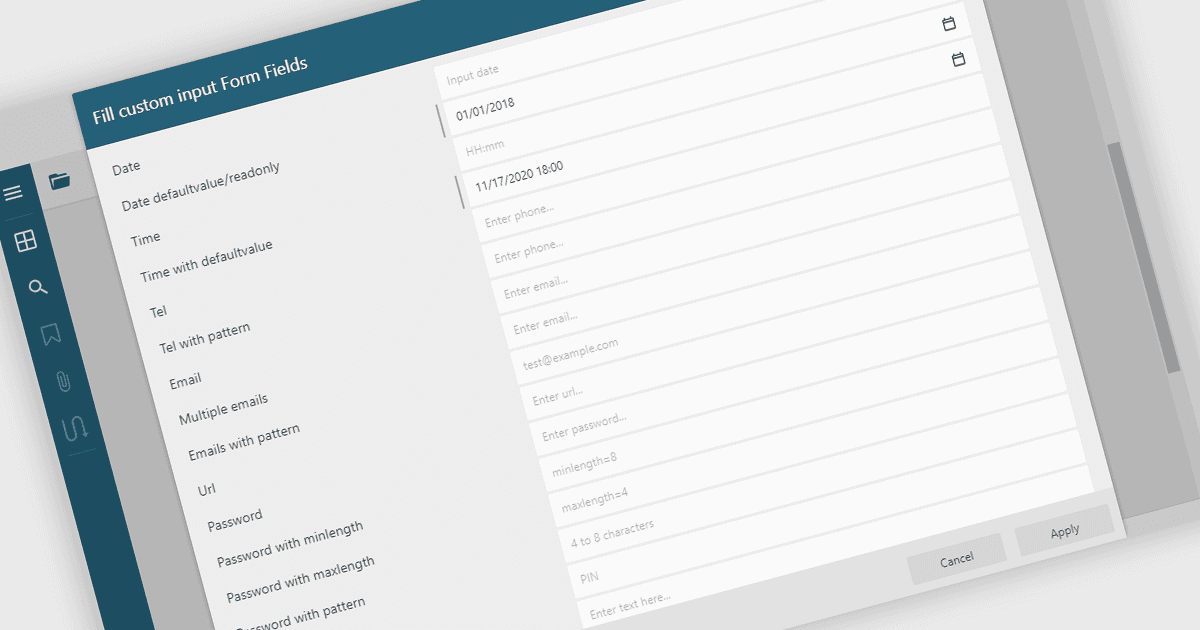
Filling out PDF form fields allows users to enter information directly into interactive elements within a PDF document such as text boxes, checkboxes, dropdowns, and signature fields. This functionality transforms static PDFs into dynamic fillable forms that can be completed digitally, reducing the need for printing or manual data entry. The ability to fill, validate, and submit forms directly within a PDF viewer improves efficiency, accuracy, and user experience while supporting accessibility and cross-platform use. Common use cases include completing applications, registration forms, surveys, contracts, and approval documents, making it an essential feature for businesses looking to streamline document-driven workflows.
Several .NET WinForms PDF Viewers feature support for form filling, including:
- DevExpress WinForms PDF Viewer (part of DevExpress WinForms) lets you complete and submit interactive PDF forms directly within applications.
- Telerik UI PDF for WinForms (part of Telerik UI for WinForms) enables users to enter, validate, and manage form data seamlessly within PDFs.
- PDFView4NET Windows Forms Edition allows you to fill, edit, and save PDF form fields with ease, supporting dynamic, data-driven document interaction.
- Syncfusion Windows Forms PDF (part of Syncfusion Essential Studio Enterprise) facilitates efficient form filling, validation, and submission inside PDF documents.
For an in-depth analysis of features and price, visit our comparison of .NET WinForms PDF viewers.