Transform How Users Interact with PDFs
Built-in editing tools let users compress, rearrange, merge, or split documents, making PDF viewers more useful for real-world workflows.
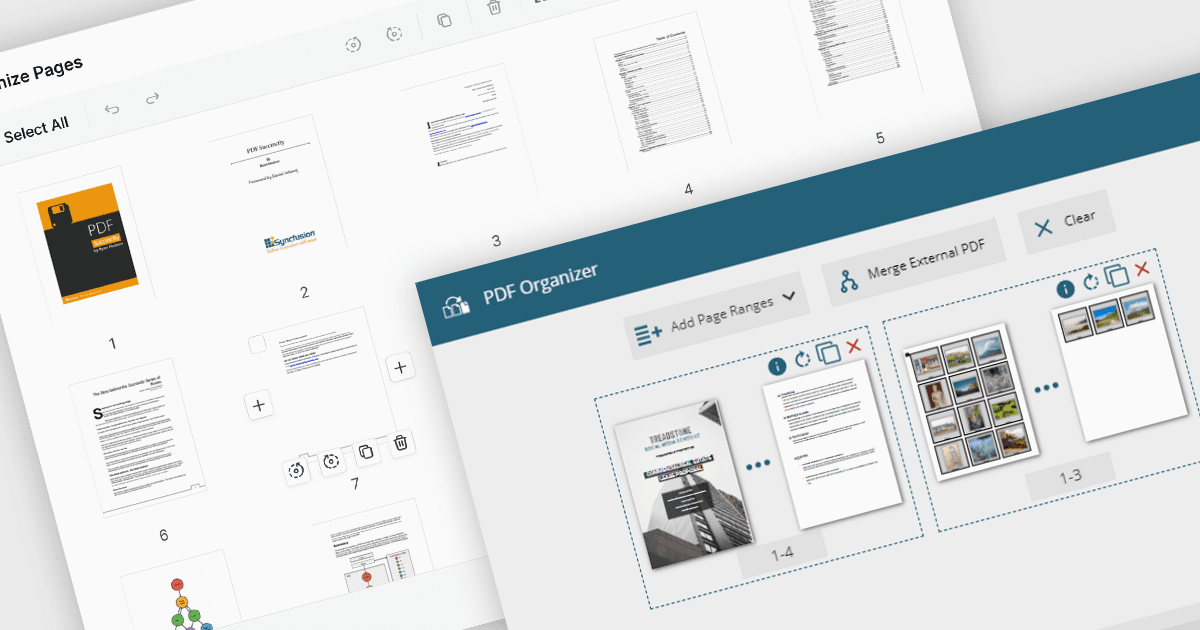
PDF manipulation features in viewer components extend the user experience beyond reading by enabling real-time structural changes to documents. These capabilities are particularly valuable in document-heavy workflows, where users need to rearrange, combine, or refine content without switching between multiple tools. Whether integrated into web portals, business systems, or productivity applications, built-in manipulation functions make PDF viewers more interactive and practical for day-to-day tasks such as document assembly, editing, and cleanup.
Common features include:
- Adding pages to a PDF allows inserting new pages from blank templates or external files, supporting document expansion or correction.
- Compressing PDFs reduces file size while preserving quality, making PDFs easier to store, send, and load - especially in web-based environments.
- Deleting pages from a PDF enables users to remove unwanted or redundant pages, helping streamline documents before sharing or archiving.
- Extracting pages from a PDF means selected pages can be isolated and saved as a new document, useful for creating summaries or sharing specific sections.
- Merging PDFs combines multiple files into a single document, ideal for bundling reports, contracts, or records.
- Moving pages in a PDF allows users to reorder pages via drag-and-drop interfaces or APIs, tailoring document structure without external tools.
- Splitting PDFs enables large documents to be divided into smaller files based on page ranges or sections, simplifying distribution or version control.
For an in-depth analysis of features and price, visit our ASP.NET Core PDF viewer components comparison.