Build Interactive Scheduling Into Your UI
Scheduling components offer calendar views and group coordination features that improve planning for meetings, projects, and appointments.
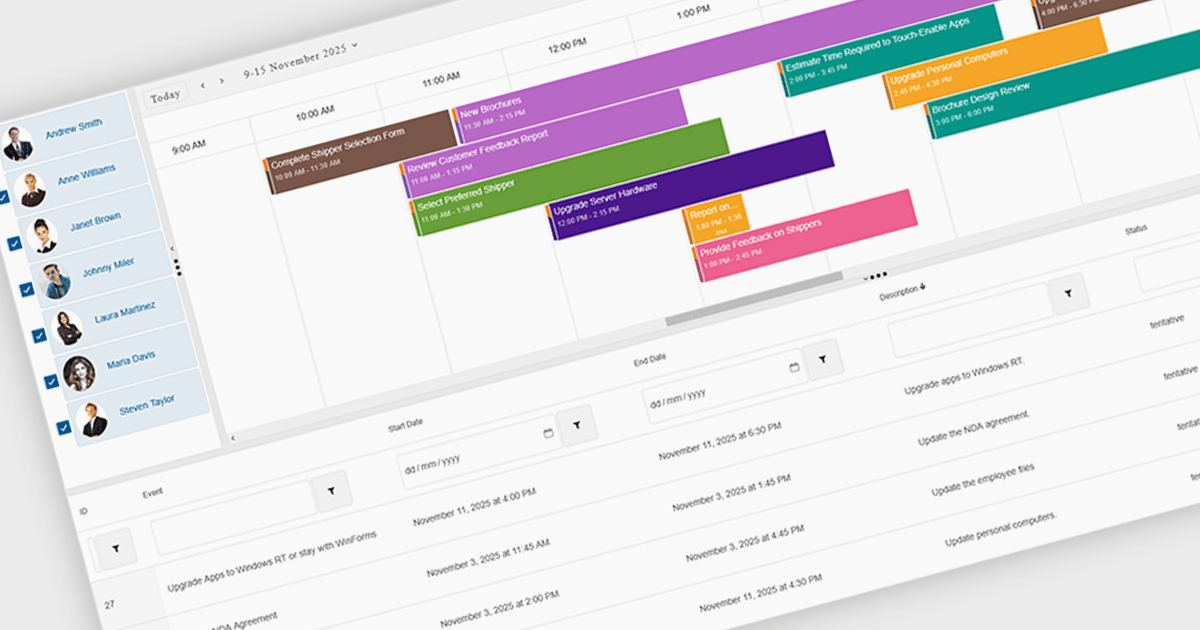
Scheduling components in UI suites provide a visual, interactive way to manage time-based data, with features such as multi-view calendars, drag-and-drop editing, recurrence rules, and group scheduling to simplify planning. They let organizations display daily, weekly, monthly, or timeline views, compare team availability, and tailor the interface to match branding or workflows. Integrated with backend data sources, scheduling components improve clarity, reduce conflicts, and save time across use cases like meeting booking, project management, staff coordination, and customer appointments.
Several .NET Blazor User Interface suites offer scheduling controls including:
- DevExpress ASP.NET and Blazor lets you schedule events visually with flexible calendar views, resource grouping, drag-and-drop editing, and recurring appointments.
- Telerik UI for Blazor allows you to manage appointments through multi-view calendars, intuitive editing tools, resource scheduling, and recurrence support.
- Smart UI (Smart HTML Elements) facilitates efficient scheduling with advanced calendar views, drag-and-drop events, resource grouping, recurrence options, and interactions.
- Syncfusion Essential Studio Enterprise allows you to build schedules with rich calendar views, event editing, resource management, and recurrence support.
For an in-depth analysis of features and price, visit our .NET Blazor UI suites comparison.