Explore Data Layers Without Leaving the Grid
Drill-down functionality in grids lets users move from summaries to detailed records in-place, improving clarity and data comprehension.
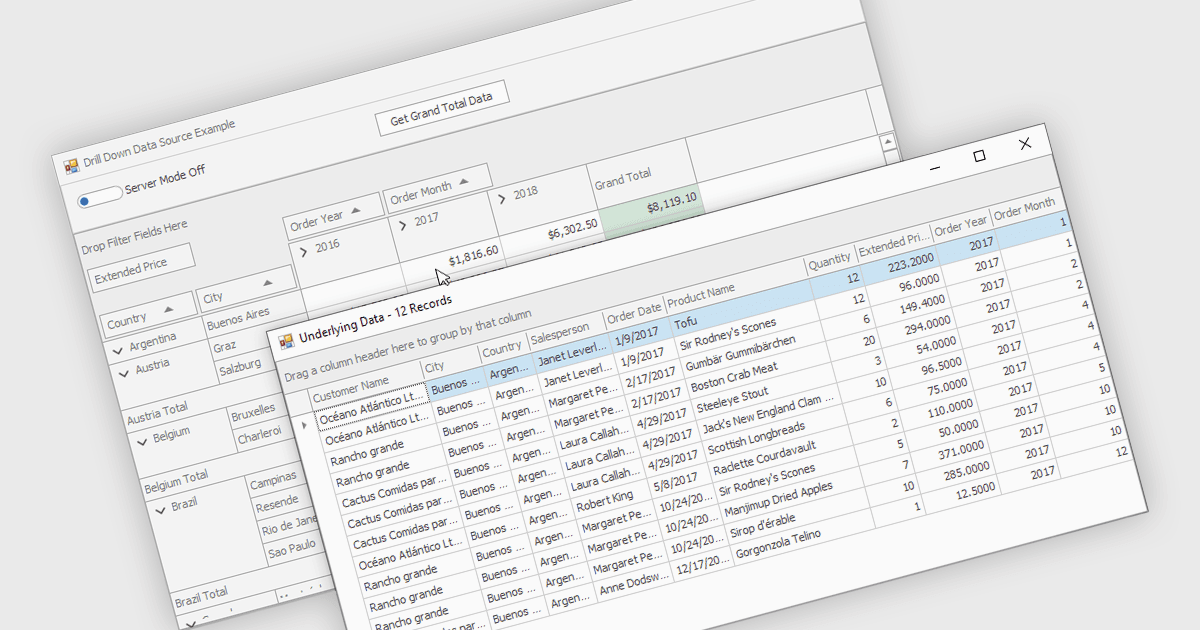
Drill-down capability within a grid control enables users to move from summary data to increasingly detailed records within the same interface, creating a smooth and focused exploration experience. It improves productivity by reducing screen changes and extra queries, helps users spot patterns and exceptions more quickly, and keeps complex information clearly organized. Typical use cases include reviewing sales by region, then by city and customer, analyzing financial summaries that open into individual transactions, or exploring product inventories from category to specific item.
Several .NET WinForms grid controls offer drill-down capability including:
- DevExpress WinForms Data Grid (part of DevExpress WinForms) lets you drill into hierarchical records, revealing insights quickly, within a responsive grid interface.
- FlexGrid for WinForms (part of ComponentOne Studio WinForms by MESCIUS) allows you to drill through layered data, exposing meaningful details.
- Infragistics WinDataGrid (part of Infragistics Ultimate UI for Windows Forms) facilitates drill down navigation, enabling users to uncover granular information while maintaining clarity.
For an in-depth analysis of features and price, visit our .NET WinForms grid controls comparison.