Fine-Tune Value Input with Sliding Controls
Provide users with an intuitive trackbar data editor that improves numeric input, maintains valid ranges, and delivers visual feedback.
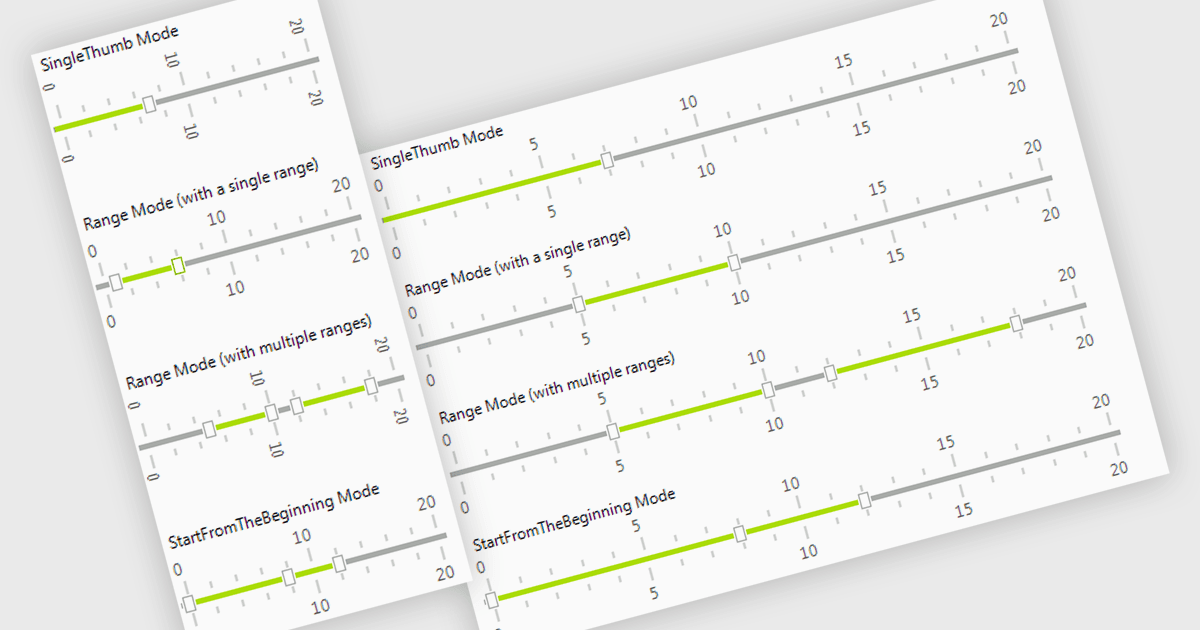
A trackbar in data editors provides a sliding control that allows users to adjust numeric values within a defined range through an interactive visual interface. It reduces the need for manual text entry, prevents invalid inputs by enforcing minimums, maximums and step increments, and offers immediate feedback as values change. Trackbars are especially useful in scenarios where users need to fine tune settings such as selecting volume levels, adjusting brightness, setting filter thresholds or choosing time or price ranges, making them ideal for applications that benefit from quick, intuitive and precise value selection.
Several .NET WinForms components offer Trackbar Data Editors including:
- Telerik UI for WinForms Data Editors (part of Telerik UI for WinForms) allows you to implement a trackbar supporting value selection, increments and immediate feedback.
- DevExpress WinForms Data Editors (part of DevExpress WinForms ) let you use a trackbar for precise numeric adjustments with ranges, real-time updates and intuitive interaction.
- Infragistics Ultimate UI for Windows Forms Data Editors (part of Infragistics Ultimate UI for Windows Forms) facilitates using a trackbar to deliver numeric adjustments.
- Bunifu UI WinForms let you integrate a modern trackbar offering responsive numeric control, clarity and efficient user interaction.
For an in-depth analysis of features and price, visit our comparison of .NET WinForms Data Editors.