Improve Spreadsheet Data Readability
Using formatting and presentation features allow you to easily present information to help users navigate complex worksheets with less effort.
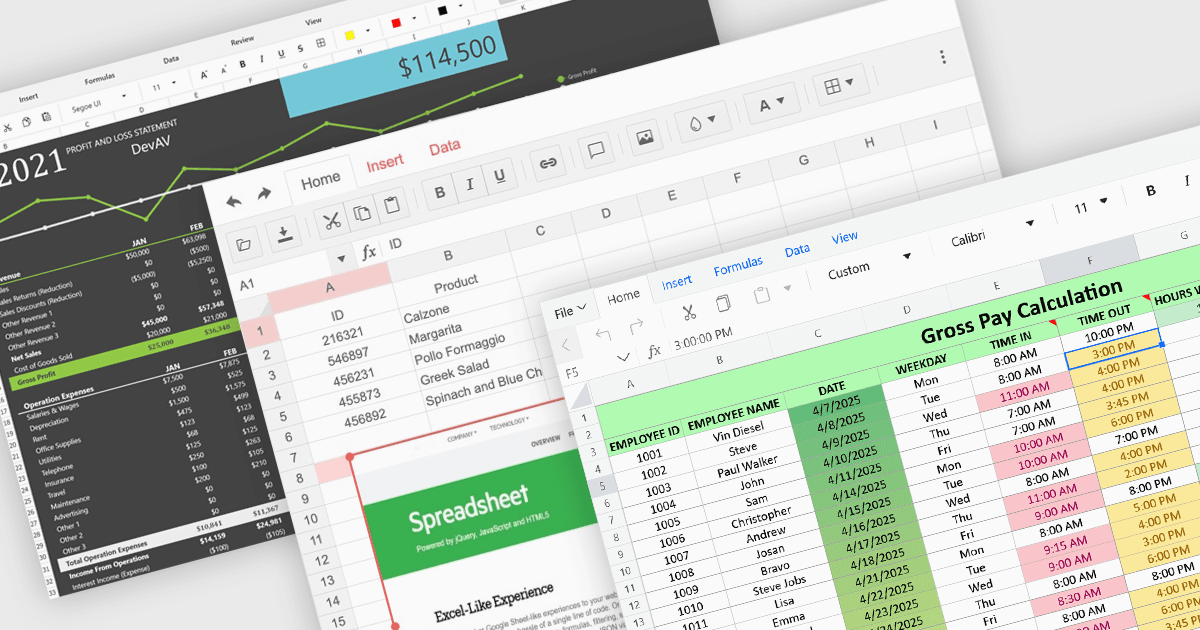
Formatting and presentation features shape how information is communicated within a spreadsheet, turning raw values into content that is clearer, more readable, and visually consistent. These capabilities help users emphasize key data, establish a coherent visual style, and create worksheets that are easier to interpret at a glance. By supporting both subtle adjustments and more expressive enhancements, they play a central role in making spreadsheets suitable for reporting, analysis, and presentation-focused tasks across a wide range of scenarios.
Common features include:
- Barcodes convert cell values into machine-readable symbols that can be used for tracking, inventory, or integration with external systems.
- Cell Formatting controls the appearance of content through adjustments to fonts, colors, borders, alignment, and number formats.
- Charts present data visually through a variety of graphical formats, making patterns and comparisons easier to understand.
- Conditional Formatting applies visual cues dynamically, helping users identify trends, exceptions, or threshold-based results without manual intervention.
- Inserting Images enables users to place graphics directly into worksheets, supporting richer presentations and adding contextual detail where needed.
- Themes provide a foundation for consistent styling by applying coordinated colors, fonts, and effects across an entire spreadsheet.
For an in-depth analysis of features and price, visit our ASP.NET Core spreadsheet components comparison.