Adjust and Manage Grid Layouts Easily
Row and column features let users shape how information is displayed, giving them more control when working with grid data.
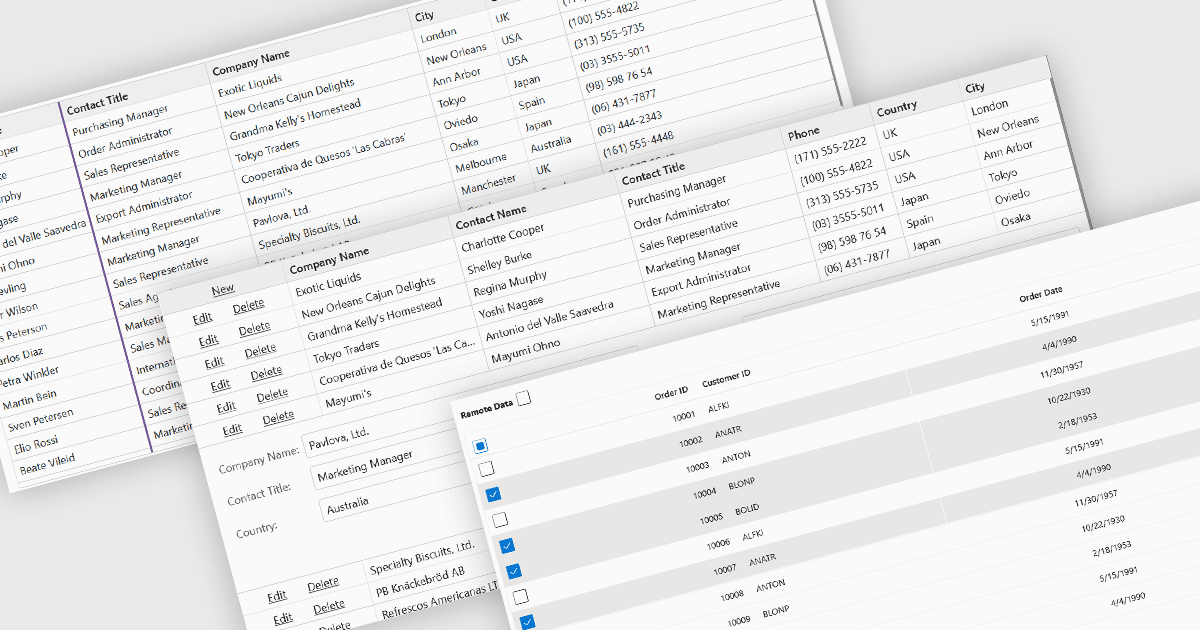
Row and column features form the core of modern grid components, enabling users to view, navigate, and manipulate tabular data efficiently. These capabilities improve usability and help developers present information in a structured, interactive format suited to many types of applications. By offering clear ways to organise, edit, and inspect information, row and column features allow users to work more effectively while maintaining control over how content is displayed.
Common features include:
- Context menus offer quick access to actions such as editing, sorting, and column management.
- Copying and pasting allows users to transfer data easily between grid cells or external applications.
- Drag-and-drop supports intuitive rearrangement of rows or columns.
- Expanding / resizing columns gives users the ability to adjust column width for better readability.
- Freezing columns keeps key data visible while scrolling horizontally.
- Hiding columns helps users focus on the most relevant information.
- Reordering columns provides flexible control over layout and viewing preferences.
- Row editing enables direct in-grid modifications to data values.
- Selecting rows allows users to highlight, group, or operate on multiple records at once.
For an in-depth analysis of features and price, visit our Blazor grid components comparison.