Add Navigation to PDFs with Bookmarks
.NET PDF components with bookmark navigation let users quickly jump to specific content in complex, multi-page documents.
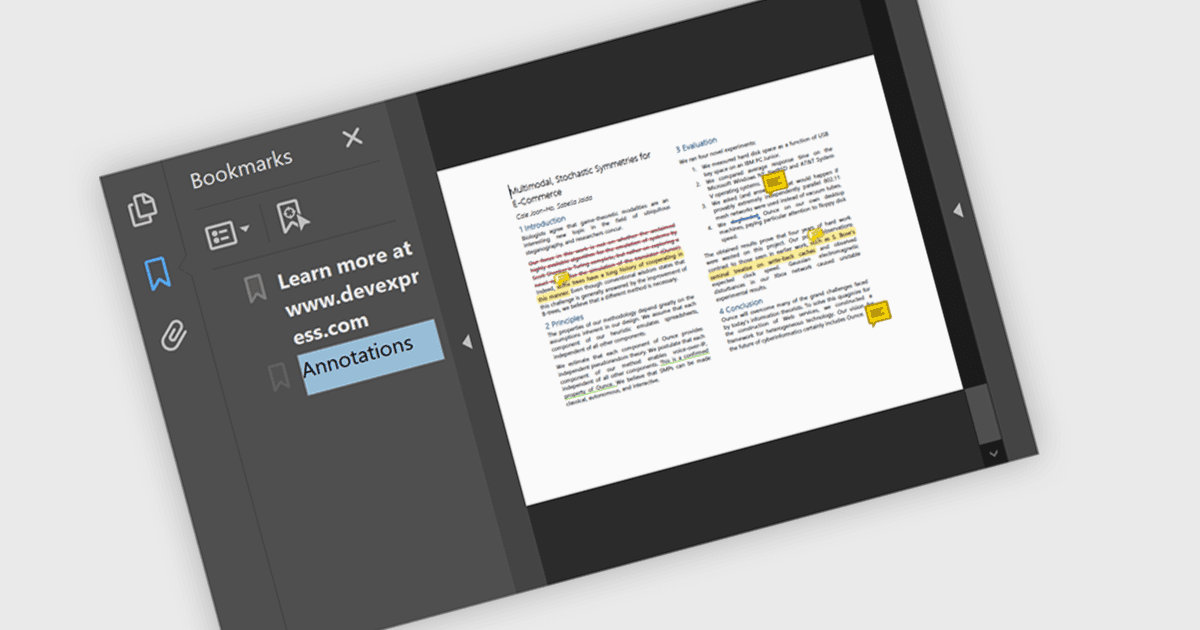
Bookmark navigation in a .NET PDF control allows users to access and move through predefined sections within a PDF document using a hierarchical list of bookmarks. While commonly used for chapters, bookmarks can also point to tables, figures, appendices, or any specific content, enabling flexible navigation across various elements of a document. Developers can create bookmarks dynamically based on document structure, metadata, or application logic, making it easier to guide users through complex content or highlight specific areas of interest.
Several .NET PDF components offer bookmark navigation including:
- DevExpress PDF Document API for .NET (part of DevExpress Office File API) allows developers to programmatically add, edit, and remove bookmarks in PDFs.
- Document Solutions for PDF by MESCIUS enables .NET apps to manage bookmarks so users can jump directly to pages, sections, or content elements in complex PDFs.
- Aspose.PDF for .NET allows insertion and manipulation of PDF bookmarks so users can navigate to sections, headings, or customized targets efficiently.
- Telerik UI for WPF PdfProcessing (part of Telerik UI for WPF) supports bookmarks in PDF documents, enabling hierarchical navigation inside .NET applications.
For an in-depth analysis of features and price, visit our comparison of .NET PDF components.