Enable PDF Annotation in WinForms Apps
PDF viewers with built-in annotation tools let users review, comment, and collaborate on documents without modifying the original content.
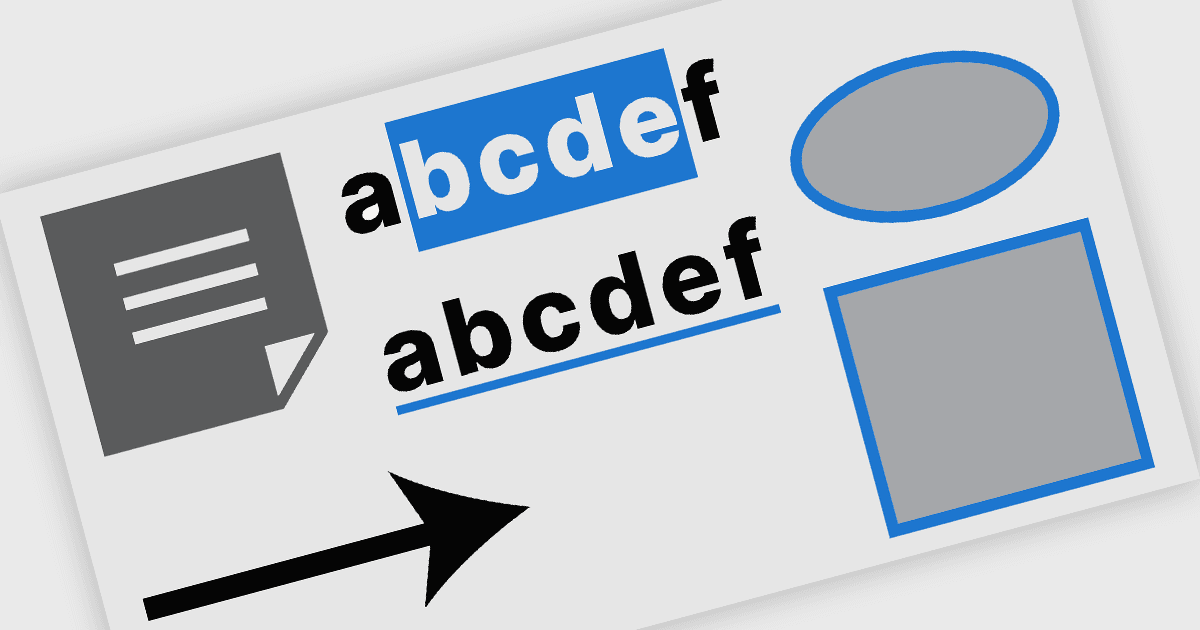
PDF annotation in .NET WinForms PDF viewer components refers to the ability to add visual and textual markup directly onto PDF documents without altering the original content. These tools allow users to draw shapes, highlight text, insert comments, and place notes within the viewing interface, supporting workflows such as document review, feedback, and approval. This functionality improves collaboration and clarity in document handling, making it well-suited for document processing tasks in WinForms applications.
Common features include:
- Freehand Draw (Ink Annotation) allows users to sketch, underline, or handwrite directly on the page using a mouse, stylus, or touch input, making it ideal for markups and signatures.
- Lines provide a simple way to connect points or emphasize linear elements within a document, often with configurable thickness, color, and opacity.
- Rectangles enable users to highlight or frame areas of interest, supporting both outlined and filled styles for visual emphasis.
- Ellipses offer a similar highlighting function to rectangles but with a rounded shape, useful for circling content or marking irregular regions.
- Arrows are commonly used to direct attention to specific content, combining line styling with arrowheads to clearly indicate focus or flow.
- Sticky Note annotations allow users to attach comments to precise locations in the document, typically displayed as icons that reveal text on interaction.
- Free Text enables direct placement of typed text onto the page with control over font, size, color, and alignment, supporting clear, visible commentary without pop-ups.
For an in-depth analysis of features and price, visit our WinForms PDF viewer components comparison.