Filter and Customize Reports with Parameters
Apply dynamic filtering and user-defined conditions to deliver more relevant, accurate, and actionable reports tailored to specific scenarios.
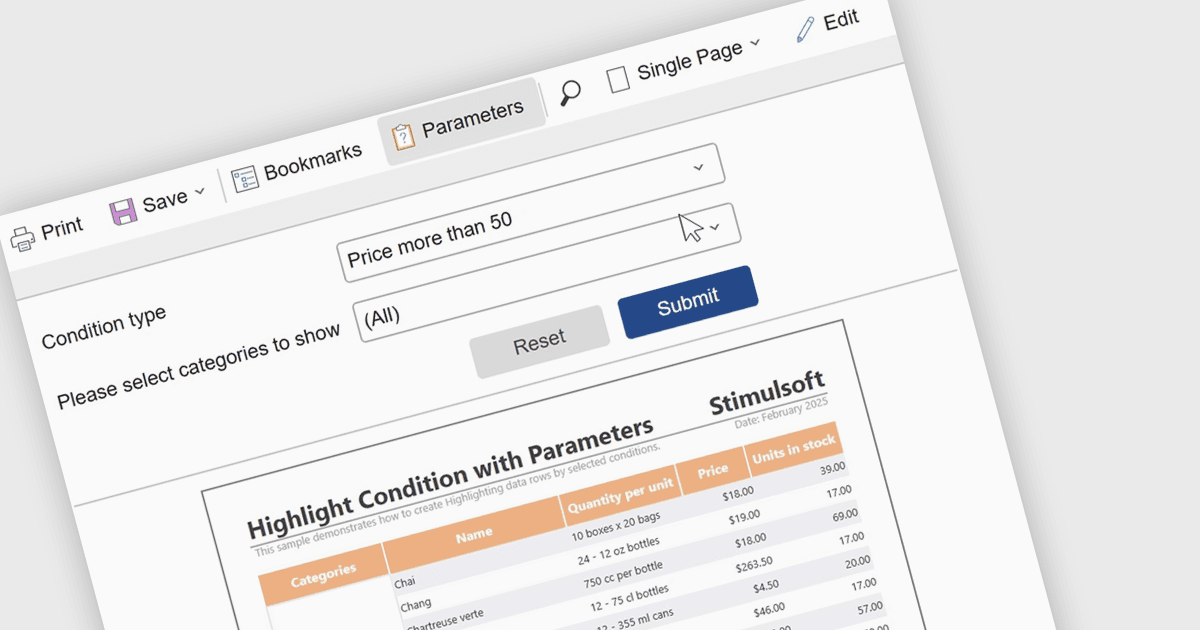
Report parameters allow users to customize and control how data is displayed by filtering results or supplying specific values at runtime. This enables more personalized, relevant reporting without the need to create multiple versions of the same report. By using parameters, organizations can improve data accuracy, improve report management, and help users to explore insights independently. Common use cases include filtering reports by date range, region, department, or product, setting thresholds or targets for performance analysis, and dynamically updating dashboards based on user-selected criteria.
Several .NET reporting components include support for parameters:
- Telerik Reporting facilitates parameterized reporting to customize data views, reuse reports efficiently, and support interactive decision-making for diverse audiences.
- DevExpress Reporting lets you define parameters to filter data, personalize layouts, and deliver interactive, context-aware reports across applications and dashboards.
- List & Label Enterprise Reporting Edition by combit lets developers use parameters to tailor output and reduce duplication.
- Stimulsoft Reports.NET allows runtime parameters for dynamic filtering, user-driven input, and adaptable reports that respond instantly to changing business requirements.
For an in-depth analysis of features and price, visit our comparison of .NET reporting controls.