Organize Complex User Interfaces in WPF
Employ UI suites with docking features to give users control over layout arrangement, floating panels, and persistent workspaces in WPF apps.
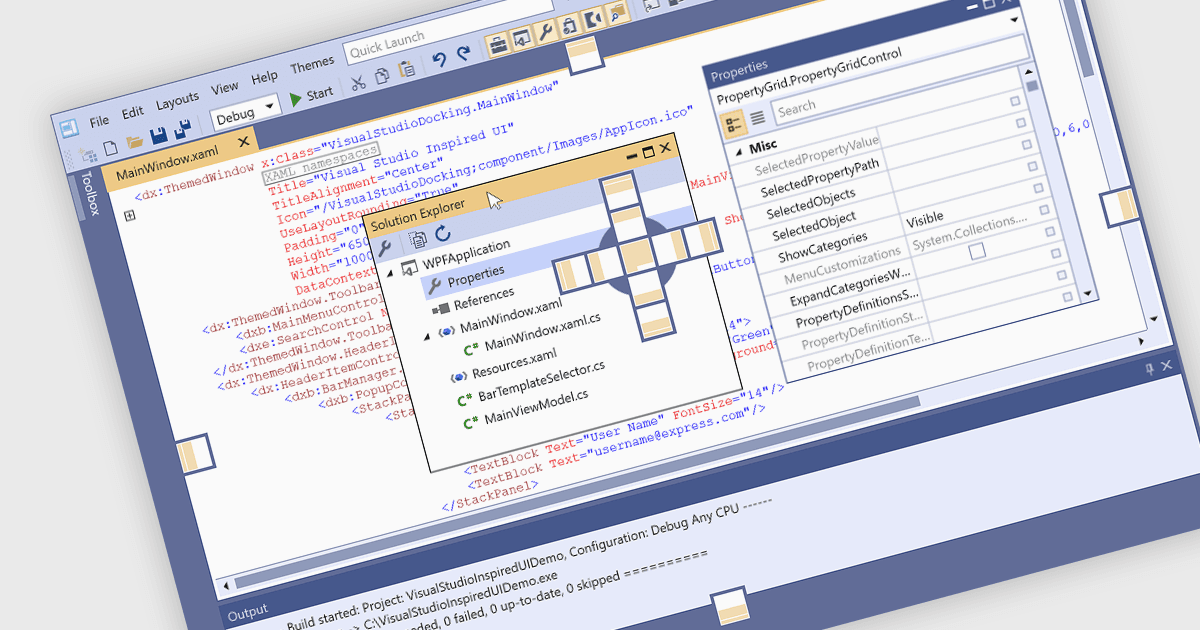
Docking controls are a key element of user interface design that enhance the usability of complex applications. They allow users to rearrange windows or panels within the main application window, making it easier to create personalized, efficient layouts. These controls typically support drag-and-drop interactions and automatic alignment, which help users maintain a tidy and organized workspace while working with multiple tools or data views. Docking frameworks often include features like tabbed documents, floating windows, and layout persistence, all of which contribute to a more flexible and user-driven application environment. This makes docking especially useful in professional software environments that involve large volumes of information or tool-based workflows.
Several WPF UI suites provide you with docking support, including:
- DevExpress WPF offers a comprehensive docking system with advanced layout persistence, tabbed document interfaces, and runtime customization.
- ComponentOne Studio WPF by MESCIUS provides a docking control that supports auto-hide, floating windows, and full integration with its theme and layout systems.
- Telerik UI for WPF supports dockable and floatable panes, tabbed documents, nested docking, layout saving/loading, and other docking behaviors suitable for complex UIs.
- Infragistics Ultimate UI for WPF features a flexible docking framework with rich layout options, including nested panes and content serialization for saving and restoring layouts.
For an in-depth analysis of features and price, visit our comparison of WPF UI suites.