Simplify Data Entry with Built-In Grid Editing
Support efficient data creation and updates using inline grid editing that keeps users in context and reduces unnecessary screen changes.
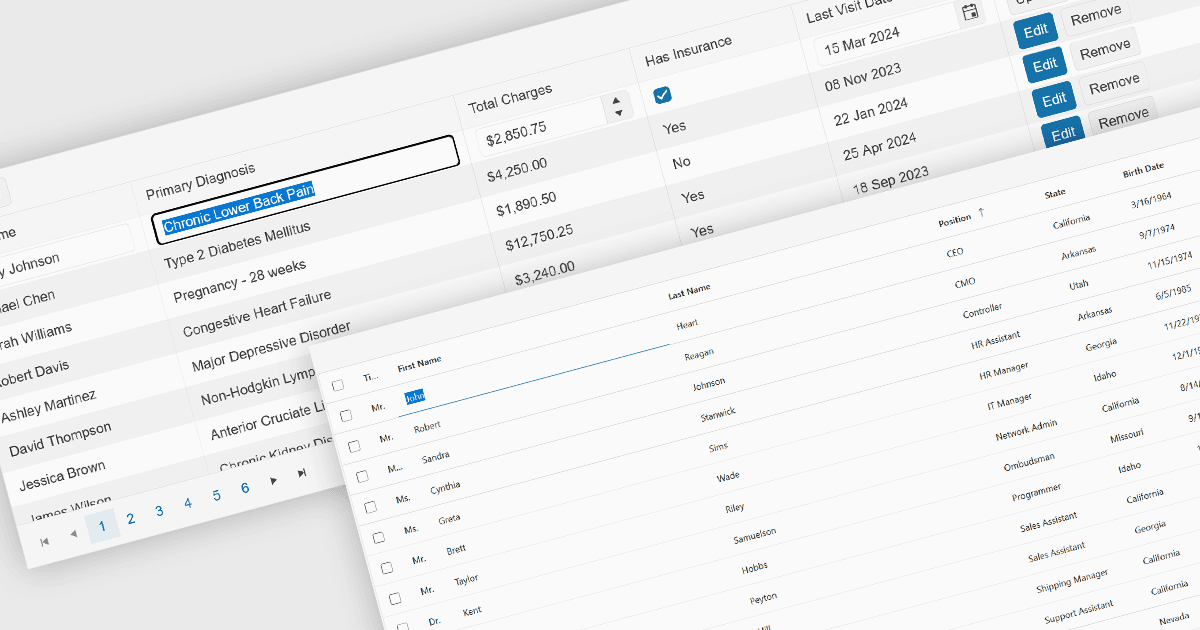
Inline editing is an essential feature of modern grid components, allowing users to create, update, and validate data directly within tabular views. By enabling edits in place, without navigating away from the grid, these features support faster data entry and improve usability in data-intensive applications such as administration panels, financial systems and line-of-business tools.
Several Angular grid controls offer inline editing features, including:
- DevExtreme Angular Data Grid by DevExpress provides built-in support for inline, cell, row, and batch editing modes, with configurable editors and validation rules.
- Kendo UI Angular Grid by Telerik offers flexible editing capabilities including inline, in-cell, popup, and batch editing, combined with customizable editors and validation.
- Wijmo Angular DataGrid (FlexGrid) by MESCIUS supports inline cell editing with lightweight, high-performance behavior, offering customizable editors and validation hooks.
- Handsontable by Handsoncode delivers spreadsheet-like inline editing directly within the grid, supporting keyboard navigation, copy-paste and validation.
For an in-depth analysis of features and price, visit our Angular grid controls comparison.