Add Clarity with Contextual Spreadsheet Comments
Strengthen collaboration with cell comments and tooltips that clarify data and reduce misinterpretation across teams and shared spreadsheets.
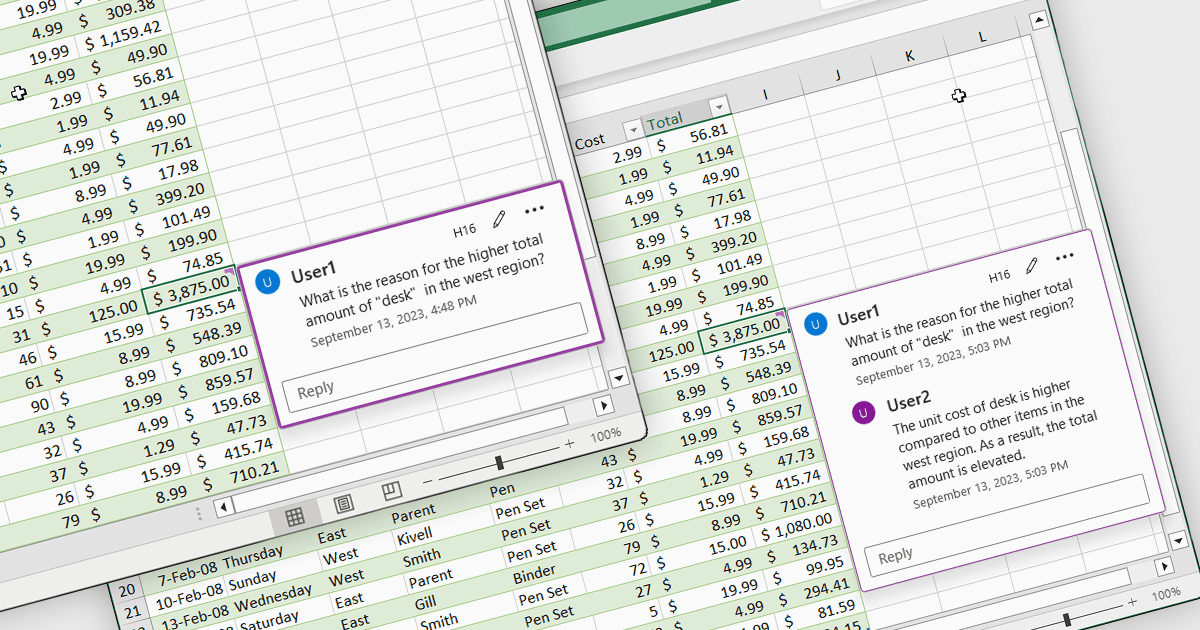
Cell comments and tooltips in spreadsheets allow users to attach contextual information to individual cells, displayed on hover or focus without altering the sheet’s layout. They help clarify data, explain formulas and assumptions, and provide guidance for correct data entry, reducing errors and misinterpretation. By keeping explanations close to the data, comments and tooltips improve collaboration, preserve knowledge, and make complex spreadsheets easier to understand and maintain. Common use cases include documenting calculation logic, adding validation instructions, leaving reviewer feedback, explaining exceptions in reports, and supporting onboarding for new users working with shared spreadsheets.
Several .NET Spreadsheet controls offer cell comments/tooltips including:
- Aspose.Cells for .NET allows you to programmatically create, read, and manage cell comments and tooltips for automated spreadsheet generation.
- Telerik UI for ASP.NET AJAX Spreadsheet (part of Telerik UI for ASP.NET AJAX) allows adding cell comments and tooltips to clarify data and guide users.
- EPPlus by EPPlus Software lets you embed and customize cell comments and tooltips to annotate data within Excel-compatible spreadsheets programmatically.
- Syncfusion ASP.NET Core Spreadsheet (part of Syncfusion Essential Studio Enterprise) allows you to add cell comments and tooltips that clarify data.
For an in-depth analysis of features and price, visit our .NET Spreadsheet controls comparison.