Add Context to Grid Data with Tooltips
Provide explanations, metadata, or validation details directly within grids using tooltips, helping users understand data without navigating away.
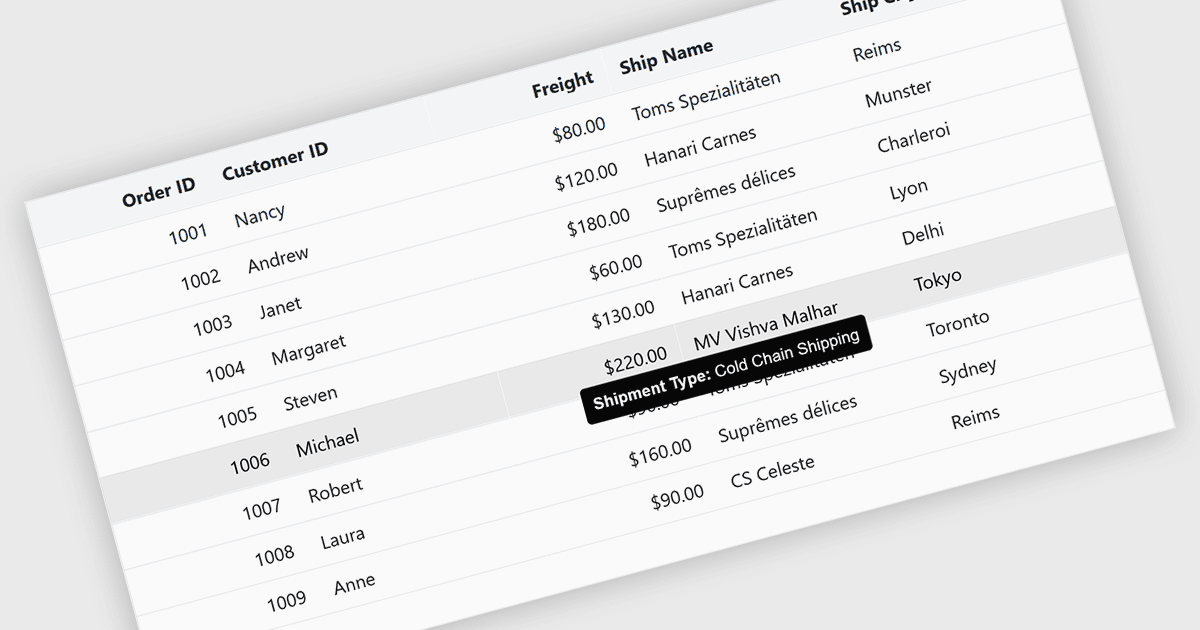
Tooltips in grid components provide contextual information that appears when users hover over or focus on a cell, column header, or row. It offers a practical way to surface additional details such as full text for truncated values, validation messages, or explanatory metadata without overcrowding the grid layout. For data-heavy interfaces, this feature improves readability and usability by keeping the primary view concise while still making secondary information readily accessible when needed.
Several Blazor grid controls offer FEATURE including:
- Telerik UI Blazor Data Grid (part of Telerik UI for Blazor) provides configurable tooltips for cells and headers and allows developers to control content, positioning, and display.
- ComponentOne Blazor FlexGrid (part of ComponentOne Studio Blazor Edition by MESCIUS) offers tooltips that can be applied at the cell level, making it useful for showing full values.
- Blazorise supports tooltips in grids by integrating its tooltip components with data tables, allowing developers to attach descriptive or dynamic content to cells.
- Syncfusion Blazor DataGrid (part of Syncfusion Essential Studio Enterprise) includes integrated tooltip functionality that works alongside its column and cell customization features.
For an in-depth analysis of features and price, visit our Blazor grid controls comparison.