Export Chart Data to CSV from WinForms
Give WinForms apps the ability to export charts to CSV format, making chart data available for use in reports, spreadsheets, and external systems.
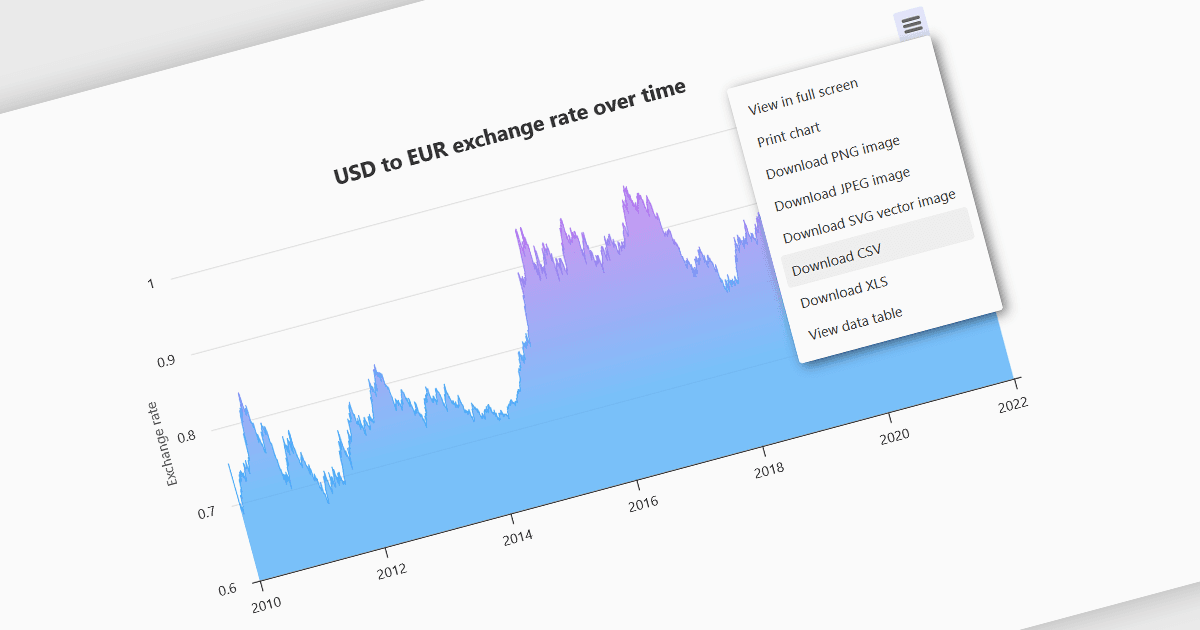
Exporting charts to CSV (Comma-Separated Values) allows users to extract underlying chart data into a simple, portable text format that can be easily opened in spreadsheet applications or processed by other tools. This feature is particularly useful for reporting, data analysis, auditing, and integration apps, as it decouples the visual presentation of data from the raw numerical or categorical information it represents. By enabling quick access to chart data in a structured format, exporting to CSV enhances interoperability across systems and supports a wider range of use cases.
Several WinForms charting components allow you to export to CSV, including:
- TeeChart for .NET Pro Edition by Steema Software offers built-in export capabilities that allow developers to save chart data directly to CSV with customizable formatting options.
- .netCHARTING is a comprehensive charting library that provides the ability to export charts to various image and document formats in WinForms applications.
- ProEssentials by GigaSoft integrates into WinForms apps and offers chart export to various formats and includes options for exporting underlying data in editable text form.
For an in-depth analysis of features and price, visit our comparison of WinForms chart components.