Turn Grid Data into Clickable Links
Hyperlinks in grid cells improve navigation and context by connecting users directly to related records, pages, or actions from within the grid view.
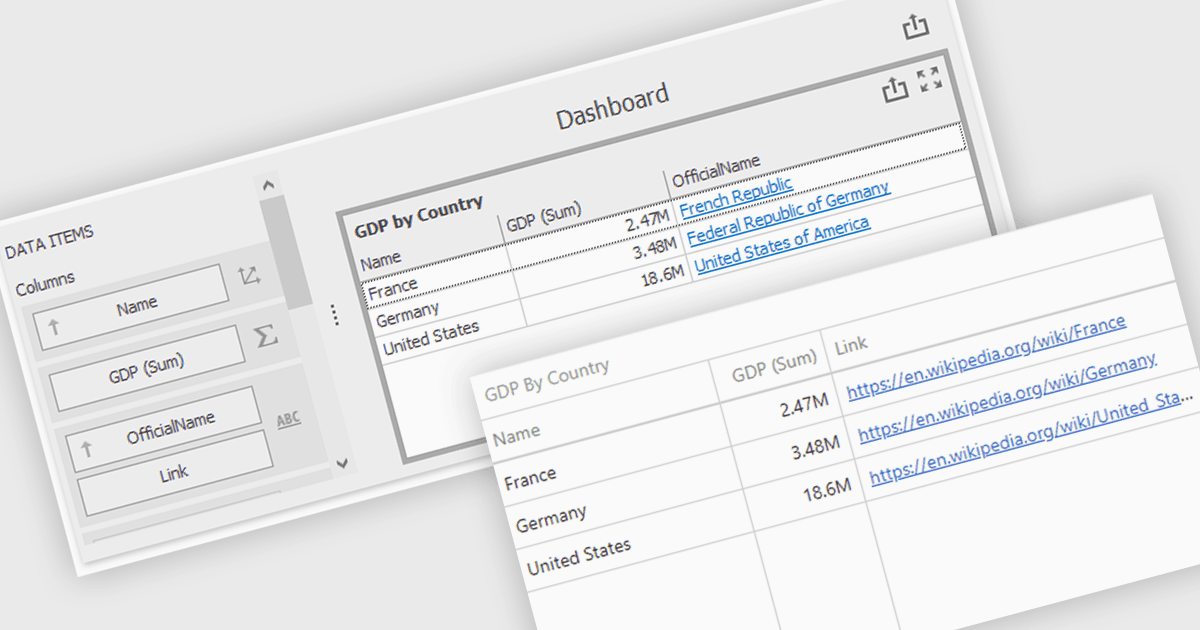
Hyperlinks in grid cells allow data within a grid to be presented as clickable links, enabling users to navigate directly to related pages, records, or actions from a single view. This reduces the need for extra navigation steps, and makes relationships between data clearer and more intuitive. Key benefits include faster access to detailed information and a more interactive user experience. Common use cases include linking order numbers to order details, customer names to profile pages, or grid entries to related documents, reports, or edit screens.
Several .NET WinForms grid controls offer hyperlink cell types, including:
- DevExpress WinForms Data Grid (part of DevExpress WinForms) lets you display grid cell values as hyperlinks for navigation to related resources.
- Telerik UI for WinForms GridView (part of Telerik UI for WinForms) allows you to embed clickable hyperlinks within grid cells.
- ComponentOne WinForms FlexGrid (part of ComponentOne Studio WinForms by MESCIUS) facilitates hyperlink rendering in grid cells.
- Syncfusion WinForms DataGrid (part of Syncfusion Essential Studio Enterprise) lets you configure grid cells as hyperlinks to drive intuitive navigation.
For an in-depth analysis of features and price, visit our .NET WinForms grid controls comparison.