Identify Key Data Patterns with Trend Lines
Trend lines reveal underlying patterns, clarify long-term trends, and turn chart data into clear, actionable insights for faster decision-making.
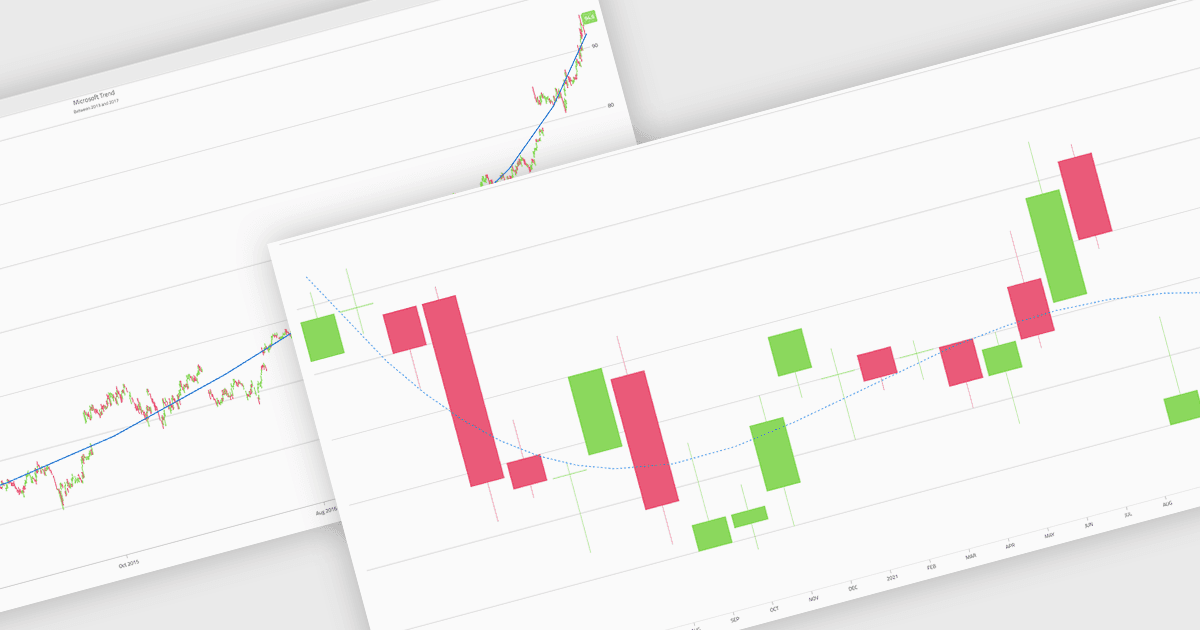
Trend lines in charts are analytical tools that represent the general direction or tendency of data over time, helping users interpret patterns that may not be immediately visible in raw data. By smoothing out short-term fluctuations, trend lines clarify long-term behavior, highlight growth or decline, and support more informed decision-making. They are commonly used in business dashboards to track performance metrics, in financial analysis to assess market trends, and in operational reporting to identify recurring patterns, forecast outcomes, and compare multiple data series with greater clarity.
Several Blazor chart components provide trend line support including:
- Telerik UI Blazor Chart (part of Telerik UI for Blazor) lets you visualize data trends clearly using configurable trend lines for faster insights and confident decisions.
- ComponentOne Blazor Charts (part of ComponentOne Studio Blazor Edition by MESCIUS) allows you to analyze patterns with customizable trend lines that enhance readability.
- Infragistics Ignite UI for Blazor Chart (part of Infragistics Ignite UI) facilitates trend discovery by overlaying customizable trend lines across supported chart types.
- Syncfusion Blazor Charts (part of Syncfusion Essential Studio Enterprise) lets you interpret complex datasets using adaptive trend lines to highlight overall direction.
For an in-depth analysis of features and price, visit our Blazor Chart Component comparison.