Add Structured Navigation to JavaScript Reports
Incorporate a table of contents when designing reports in JavaScript apps to structure sections clearly and enable faster, more intuitive navigation.
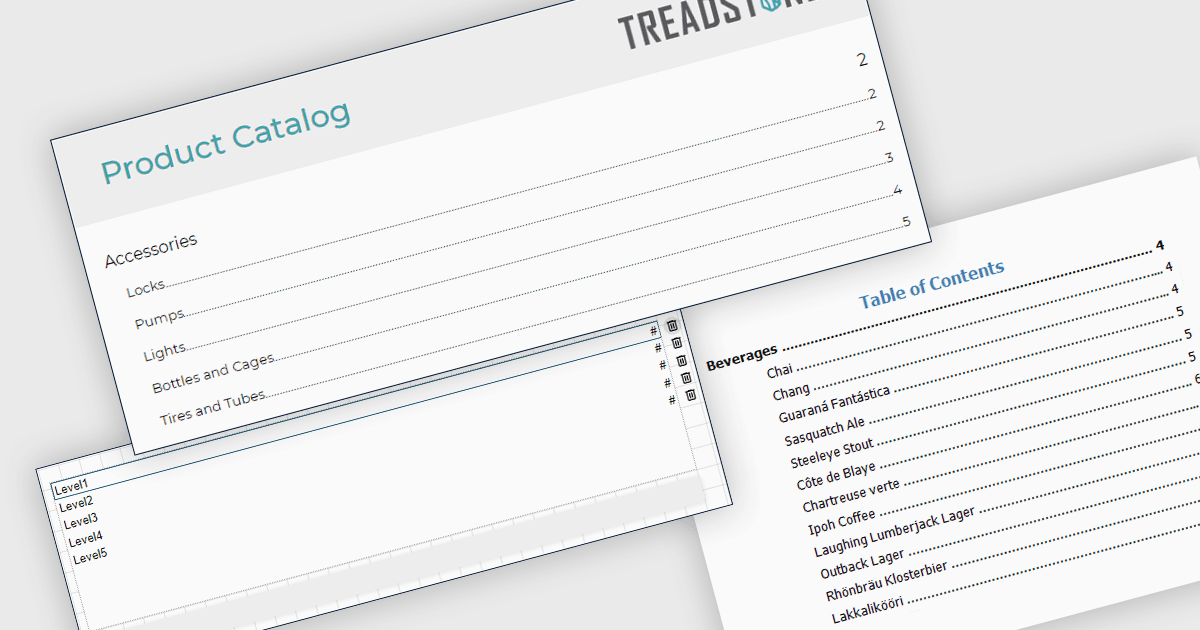
A table of contents in a report is a structured list of sections and subsections that provides an organized overview of the document's content. It typically reflects the report's hierarchy and allows readers to navigate quickly to specific sections, either through page references in printed formats or clickable links in digital formats. This functionality improves usability by reducing the time required to locate information, supporting clearer document structure, and making complex or lengthy reports easier to understand and manage. For organizations that distribute detailed analytical or operational reports, a table of contents contributes to a more professional presentation and a more efficient review process.
Several JavaScript reporting components allow you to add a table of contents, including:
- DevExpress Reporting provides a built-in table of contents control that can be bound to report elements, automatically generating entries based on defined heading levels and supporting interactive navigation in exported formats such as PDF and web previews.
- ActiveReportsJS by MESCIUS includes a table of contents component that integrates with its JavaScript-based reporting engine, enabling developers to define document map nodes and create interactive, hierarchical navigation within browser-based report viewers.
- Stimulsoft Reports.JS enables developers to create a configurable TOC using report bands, components, and bookmark functionality, with support for nested structures and interactive links in exported documents to improve navigation across complex reports.
For an in-depth analysis of features and price, visit our comparison of JavaScript reporting components.