Fill Out PDF Forms Directly in the Viewer
Enter and submit interactive PDF forms directly in the viewer, reducing manual steps and improving data accuracy.
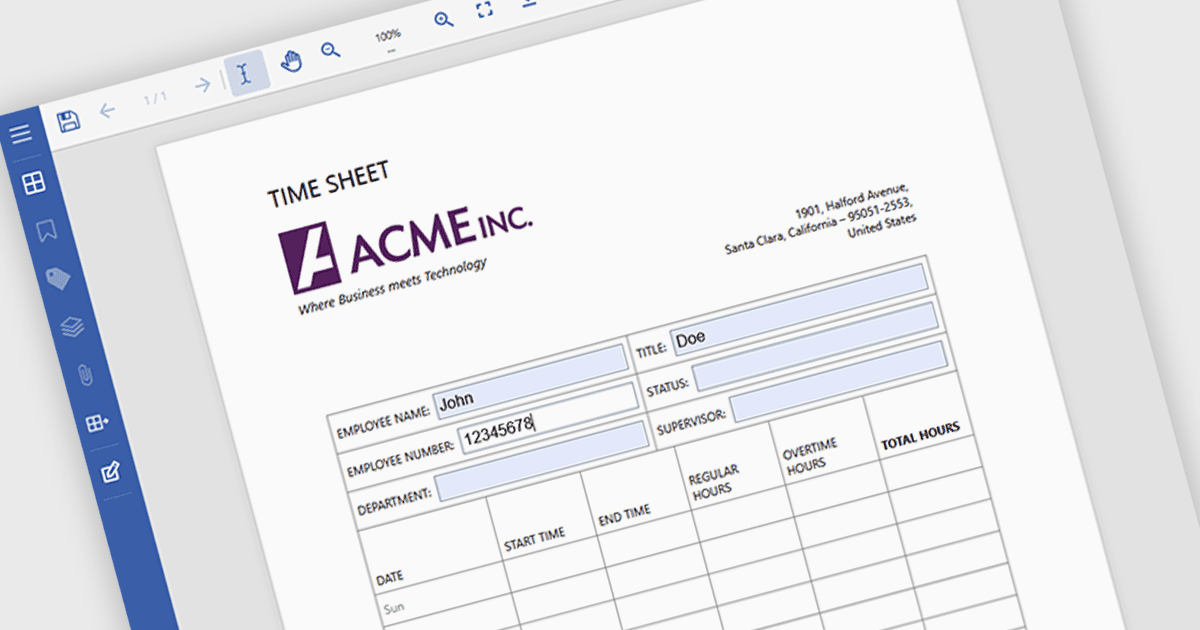
Filling forms in a PDF viewer lets users complete interactive fields such as text boxes, checkboxes, radio buttons, and dropdowns directly in the document, without needing additional software. The viewer captures data in a structured format, which can help reduce entry errors and eliminate the need to print and scan forms. As a result, documents can be completed and returned more quickly, supporting paperless processes and simplifying day-to-day operations for both organizations and end users. Common use cases include contracts and agreements, job applications and onboarding forms, customer intake documents, compliance paperwork, and internal approval processes.
Several .NET PDF Viewers feature support for form filling, including:
- Document Solutions for PDF by MESCIUS lets you fill interactive PDF form fields directly within applications, supporting efficient document processes.
- DevExpress WinForms PDF Viewer (part of DevExpress WinForms) allows you to complete and edit PDF form fields inside WinForms applications.
- Syncfusion Blazor PDF Viewer (part of Syncfusion Essential Studio Enterprise) facilitates filling and managing PDF form fields within web applications.
- PDFView4NET Windows Forms Edition by PDF4DEV Solutions enables users to populate and modify PDF form fields programmatically or visually.
For an in-depth analysis of features and price, visit our comparison of .NET PDF viewers.