Improve Data Clarity with Flexible Column Hiding
Enhance productivity with column hiding, allowing users to customize grid views, reduce visual clutter, and focus on the most important information.
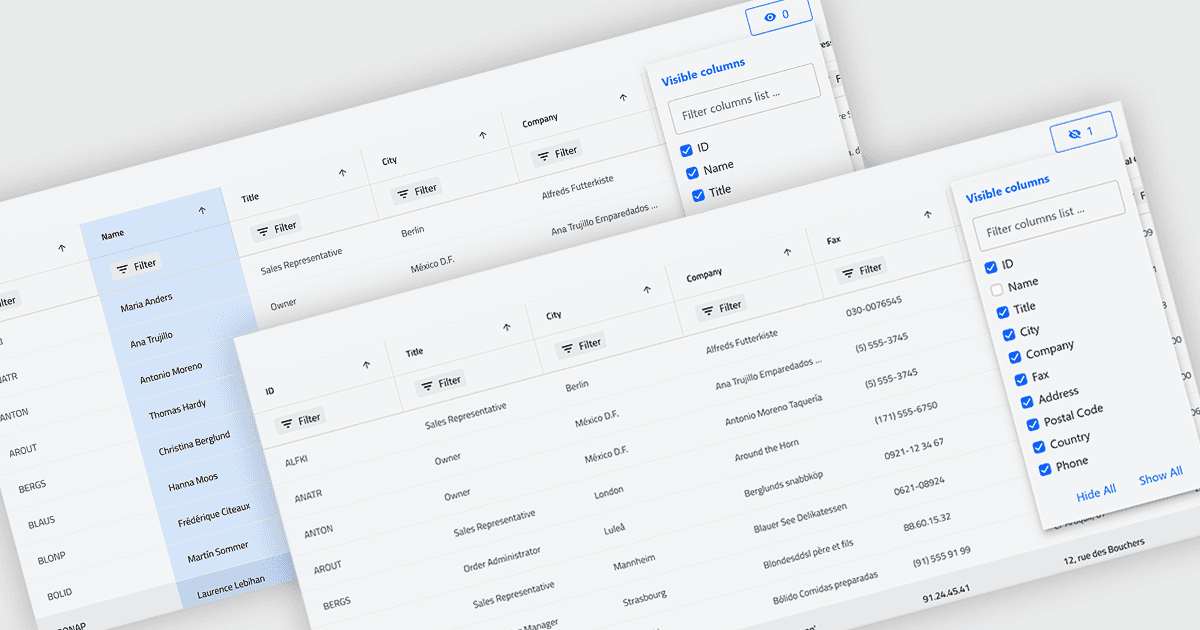
Column hiding in grids allows users to temporarily remove selected columns from view without deleting the underlying data. This provides a more focused and flexible way to work by showing only the fields relevant to a specific task or role. By reducing visual clutter and optimizing screen space, it improves readability and makes data easier to scan and analyze. For example, a financial analyst might display only revenue and profit columns for performance review, while a project manager may hide technical fields to focus on timelines and resources. Because columns can be restored at any time, the feature supports personalized, non-destructive customization.
Several .NET Blazor Grid controls offer the ability to hide columns including:
- DevExpress Blazor Grid (part of DevExpress ASP.NET and Blazor) lets you hide grid columns dynamically, tailoring data views to reduce clutter and improve user focus.
- ComponentOne Blazor FlexGrid (part of ComponentOne Studio Blazor Edition) allows you to selectively hide columns, creating cleaner, task-specific layouts.
- Blazorise enables you to control column visibility in data grids, supporting customizable displays.
- Infragistics Ignite UI for Blazor Data Grid (part of Infragistics Ignite UI) facilitates column hiding to simplify interfaces, optimize screen space, and enhance data readability.
For an in-depth analysis of features and price, visit our .NET Blazor Grid controls comparison.