Capture Freehand Ink Annotations in PDFs
Create apps that support handwritten notes in PDFs, allowing users to annotate documents directly with stylus, touch, or mouse input.
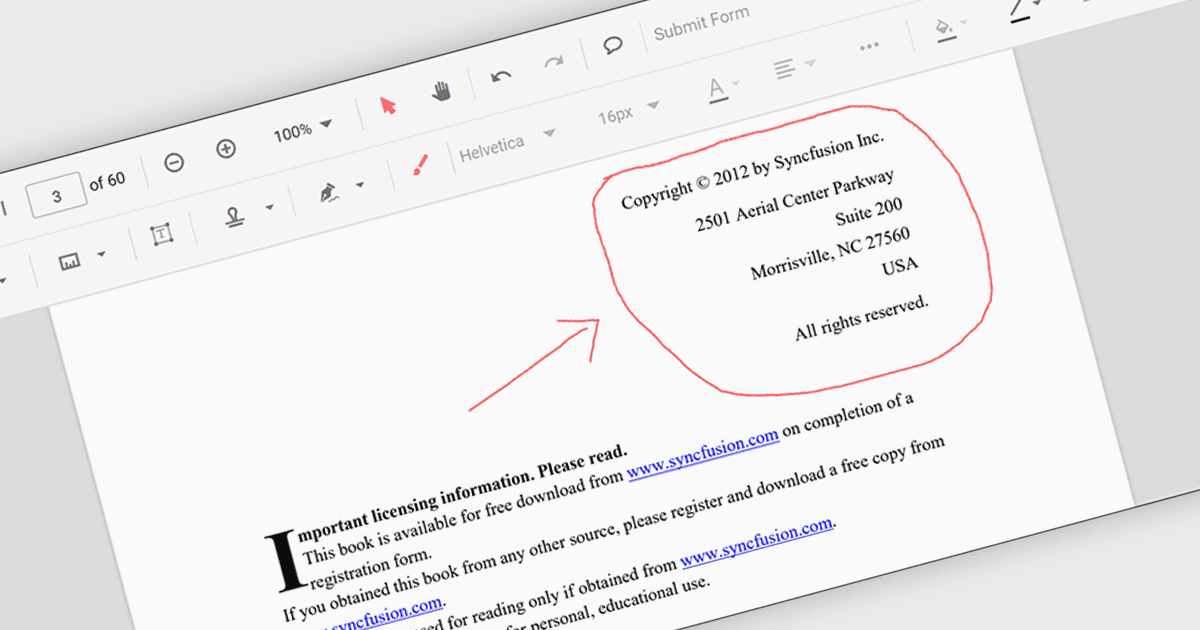
Freehand ink annotation support in a PDF component enables applications to capture and render freehand drawings directly on a PDF document, typically using input from a mouse, stylus, or touch device. It allows users to write, sketch, highlight, or mark up content in a natural way, with the annotations stored as standard PDF ink annotations that remain part of the document. For software developers, this capability adds interactive review and collaboration features to applications such as document viewers and form-processing systems, allowing users to provide visual feedback, sign documents, or annotate content without altering the original PDF structure.
Several .NET PDF components feature support for freehand ink annotations including:
- Document Solutions for PDF (by MESCIUS) allows you to record freehand ink strokes and store them as standard PDF annotations for review scenarios.
- DevExpress PDF Document API for .NET (part of DevExpress Office File API) lets you create, edit, and flatten Ink annotations for freehand PDF markup workflows.
- PDF4NET (by PDF4DEV Solutions) facilitates drawing and preserving freehand ink annotations in PDFs, supporting stylus and touch input.
- Syncfusion ASP.NET Core PDF (part of Syncfusion Essential Studio Enterprise) enables developers to capture and render freehand ink annotations in PDFs.
For an in-depth analysis of features and price, visit our comparison of .NET PDF components.