Convert PDFs to Images in .NET Apps
Render PDF pages as images in .NET applications for previews, sharing, reporting, and image-based workflows.
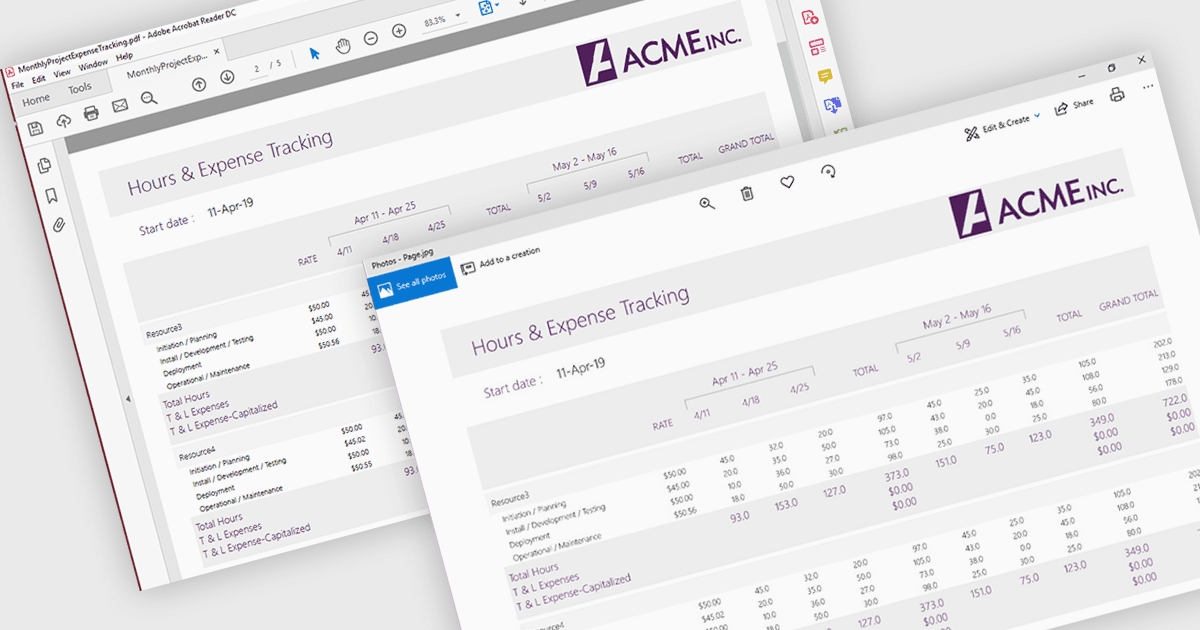
PDF to image conversion support in a PDF viewer component refers to the ability to render one or more pages of a PDF document as raster images, such as PNG or JPEG, directly within the application or for export. This capability is typically built on top of the viewer’s rendering engine and allows developers to generate visual representations of document content. It is useful for scenarios such as generating thumbnails, enabling previews in environments where PDF rendering is not supported, simplifying content sharing, or integrating with image-based processes like OCR (optical character recognition) and reporting.
Several .NET PDF Viewer controls allow you to convert a PDF to an image including:
- Document Solutions for PDF by MESCIUS allows you to convert PDF pages into high-quality images within its viewer, supporting thumbnails, previews, and export scenarios.
- Telerik UI for WinForms PDF Viewer (part of Telerik UI for WinForms) lets you render PDF pages as images, enabling efficient previews, and visual content reuse.
- XFINIUM.PDF CROSS PLATFORM EDITION facilitates PDF to image conversion within its viewer, producing consistent raster outputs for previews and reporting.
- WPViewPDF by WPCubed allows you to generate image representations of PDF pages inside its viewer component, supporting compatibility with image-based processing.
For an in-depth analysis of features and price, visit our .NET PDF Viewer controls comparison.