Extract Text from PDF Documents
Provide a convenient way to capture and reuse information by enabling users to select and copy text directly in the PDF viewer in Blazor apps.
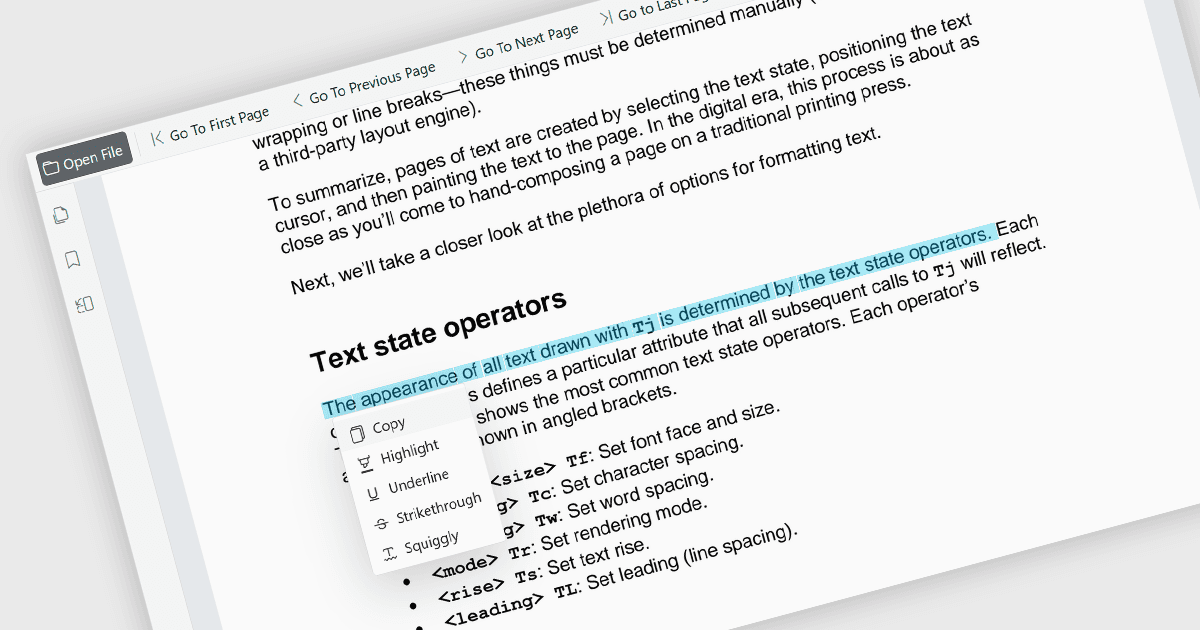
The ability to select and copy text directly within a PDF viewer allows users to highlight content and transfer it to other applications without leaving the document. This functionality enables the efficient extraction of information from PDF files, reducing the need to manually retype content and helping to minimize errors. It supports a wide range of use cases, including research, document review, content reuse, and collaboration across teams. This capability improves productivity by making it easier to reuse information, extract key details, support research activities, and incorporate content into reports, emails, presentations, or other business documents while maintaining an efficient reading experience. It also enhances accessibility and usability by allowing users to interact with document content in a more flexible and practical manner.
Several Blazor PDF viewer components allow you to select and copy text, including:
- ComponentOne Blazor FlexViewer (part of ComponentOne Studio Blazor Edition by MESCIUS) enables users to select text within PDF documents and copy the selected content to the clipboard for use elsewhere.
- Telerik UI Blazor PDF Viewer (part of Telerik UI for Blazor) provides text selection functionality that allows users to select and interact with text directly within displayed PDF files, supporting common document review, reference, and content extraction scenarios.
- Syncfusion Blazor PDF Viewer SDK (part of Syncfusion Essential Studio Enterprise) supports text selection and copy operations, enabling users to extract content from PDF files and transfer selected text for use in other apps.
For an in-depth analysis of features and price, visit our comparison of Blazor PDF viewer components.