Speed Up Data Analysis with Local Sorting
.NET WinForms grids with local sorting enable users to reorder and analyze in-memory data without additional database requests.
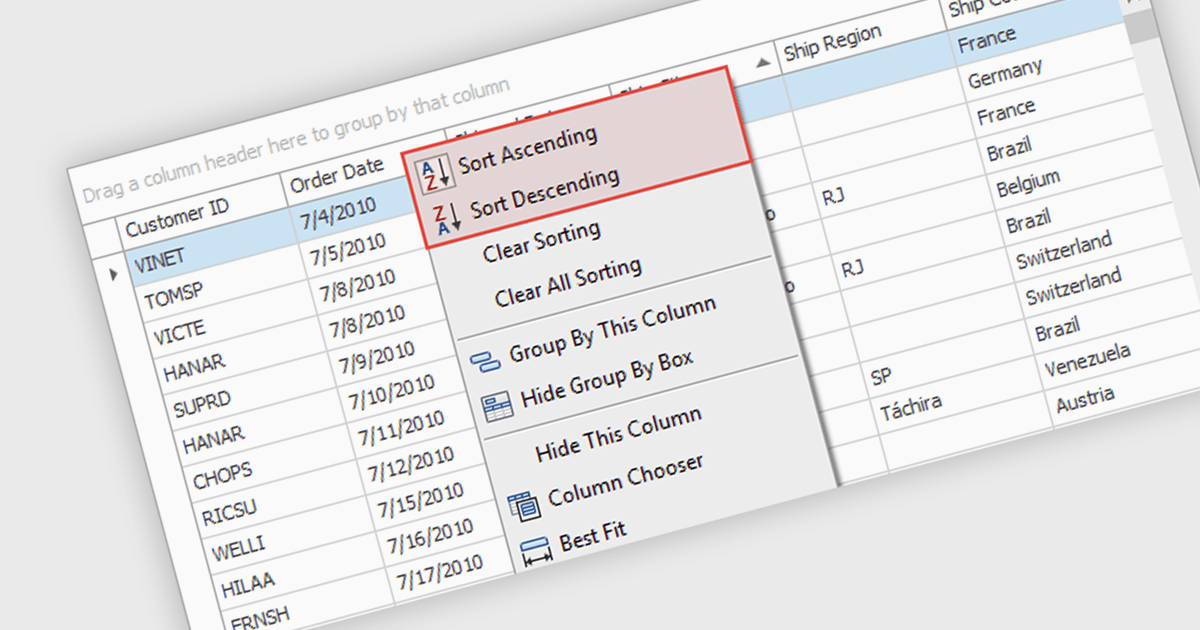
Sorting (local) is a feature in .NET WinForms Grid controls that orders the data currently loaded into the grid on the client, without requesting a new sorted result from a database or remote data source. It enables users to quickly sort rows by one or more columns using the data already available in memory, providing immediate visual feedback and a responsive user experience. For developers, local sorting can reduce unnecessary network requests, improve the perceived performance of data exploration, and simplify interactive scenarios where users need to reorganize and compare displayed data without affecting the underlying data source.
Several .NET WinForms Grid controls offer Sorting (Local) including:
- DevExpress WinForms Data Grid (part of DevExpress WinForms) lets you sort locally loaded data instantly across single or multiple columns, improving responsiveness during interactive data exploration.
- ComponentOne WinForms FlexGrid (part of ComponentOne Studio WinForms) allows you to reorder locally available rows without server requests, delivering fast, intuitive sorting for desktop applications efficiently.
- Telerik UI for WinForms GridView (part of Telerik UI for WinForms) facilitates local sorting of in-memory records with multi-column support, helping users analyze displayed information more effectively.
- Xceed Grid for WinForms lets you perform local sorting on loaded datasets, providing immediate row reordering for responsive desktop data interaction.
For an in-depth analysis of features and price, visit our comparison of .NET WinForms Grid controls.