Display Progress Bars for File Uploads
Provide users with a visual indicator of file upload progress, making it easier to monitor the status of file transfers in ASP.NET applications.
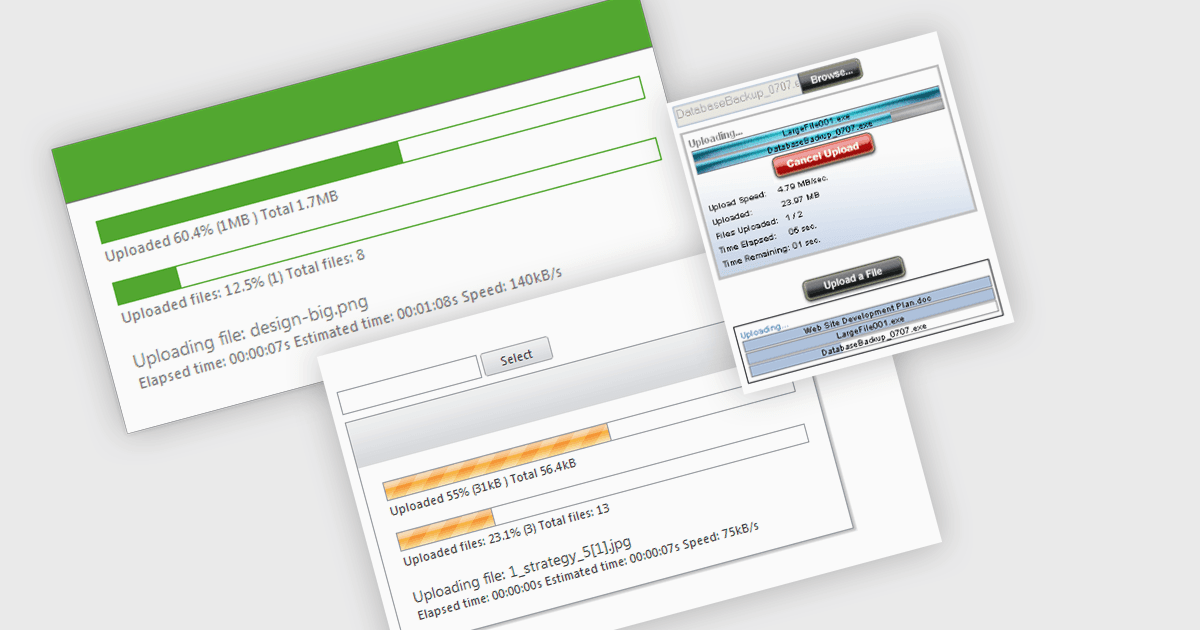
Displaying progress bars for each file in an upload operation provides users with a visual indication of the status of individual file transfers. Rather than showing only the overall progress of a batch upload, separate progress bars make it easier to monitor each file independently, helping users identify completed, active, or slower uploads. This improves transparency, provides clearer feedback during long-running operations, and makes it easier to identify files that may require further attention if an upload is interrupted or progresses more slowly than expected.
Several ASP.NET communication and messaging components allow you to display progress bars, including:
- ComponentOne ASP.NET WebForms Upload (part of ComponentOne Studio ASP.NET Web Forms Edition by MESCIUS) supports displaying separate progress bars for file uploads.
- Telerik UI for ASP.NET AJAX Upload (part of Telerik UI for ASP.NET AJAX) displays a separate progress indicator for each file during asynchronous uploads.
- IPWorks SSH .NET Edition by /n software provides per-file transfer progress through events that applications can use to display individual progress bars for secure file transfers.
- PowerWEB File Upload for ASP.NET by Dart Communications supports individual progress bars for uploaded files, enabling users to monitor the progress of each file independently.
For an in-depth analysis of features and price, visit our comparison of ASP.NET communication and messaging components.