Edit Themes with a Built-in Color Picker
Simplify color selection with an integrated color picker that improves accuracy, speeds up editing, and ensures consistent visual styling.
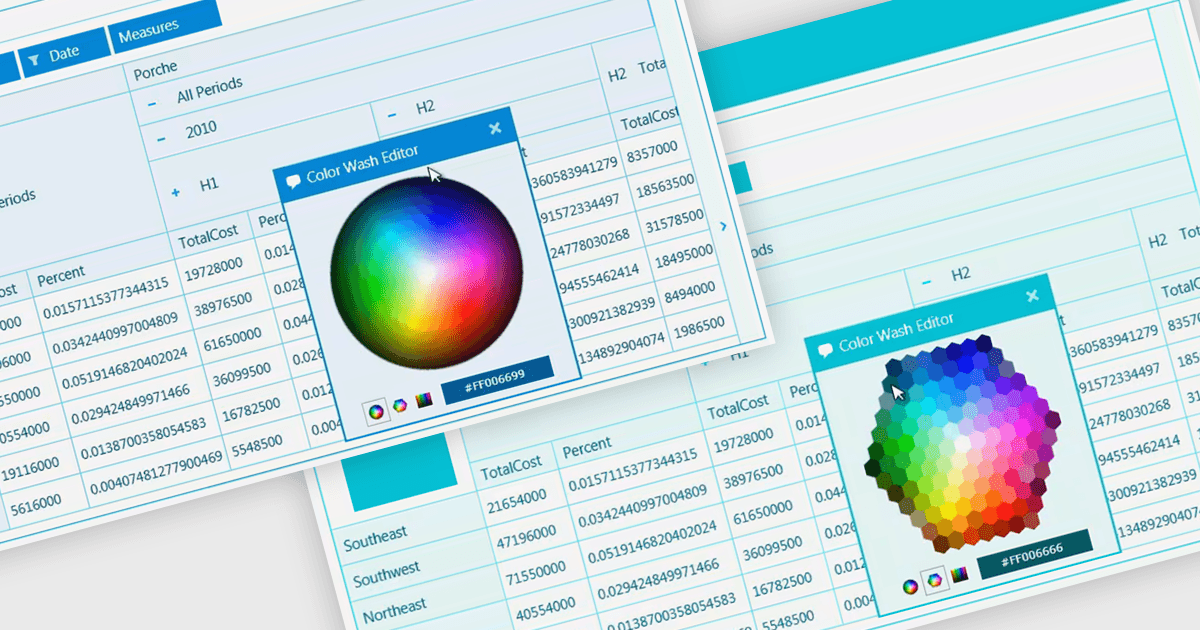
A color picker enables users to select colors from a visual palette rather than entering hexadecimal, RGB, or other color values manually. This simplifies data entry, improves accuracy, and helps maintain consistent color usage across applications. By providing immediate visual feedback, it reduces input errors and speeds up customization of interface elements, charts, diagrams, dashboards, themes, and status indicators. Common use cases include configuring branded color schemes, assigning colors to categories or priorities, defining conditional formatting rules, and customizing the appearance of reports, visualizations, and user interface components.
Several .NET WPF data editors can provide you with a color picker, including:
- DevExpress WPF Data Editors lets you select colors from a visual palette, simplifying editing, improving consistency, and reducing manual color entry errors efficiently.
- Telerik UI for WPF Data Editors enables users to pick colors from an integrated palette, streamlining data editing and enhancing application usability and visual consistency.
- Actipro Editors for WPF allows you to choose colors through an intuitive picker, accelerating customization while ensuring accurate color selection across apps.
- Infragistics Ultimate UI for WPF Data Editors facilitates visual color selection, helping users quickly apply precise colors for themes, status indicators, and interface elements.
For an in-depth analysis of features and price, visit our .NET WPF data editors comparison.