Customize Grid Appearance with Flexible Themes
Create customized grid themes that align with application branding while enhancing usability, readability, and visual consistency.
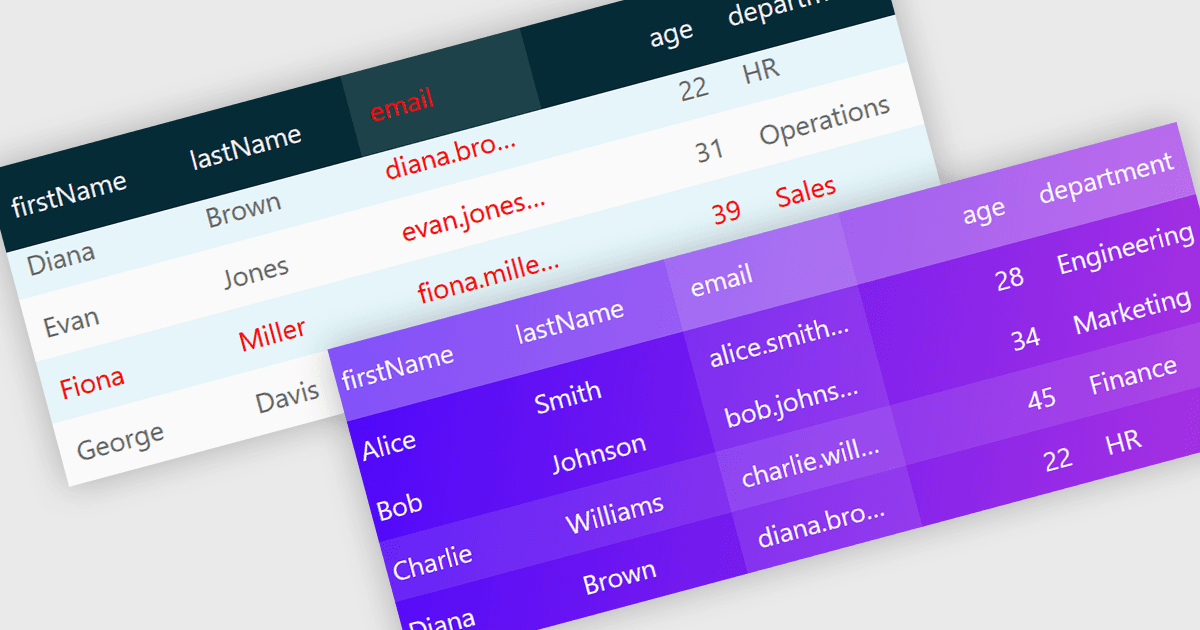
Customizable grid themes allow developers to tailor the appearance of data grids by modifying elements such as colors, fonts, borders, spacing, and other visual styles to match an application's design requirements. This makes it possible to create a consistent user interface that reflects corporate branding, supports light and dark modes, or improves accessibility through high-contrast themes and enhanced readability. By applying reusable themes across multiple grids, developers can simplify maintenance, reduce styling effort, and ensure a uniform experience throughout an application. Common use cases include enterprise business systems, financial dashboards, customer relationship management platforms, analytics applications, and administrative tools where a professional, consistent, and user-friendly interface is essential.
Several JavaScript grid components offer support for customizable themes including:
- HighCharts Grid Pro by Highsoft lets you customize grid themes to match branding, ensuring consistent, accessible, visually appealing data experiences across applications.
- DevExtreme Angular Data Grid by DevExpress allows you to apply reusable custom themes that simplify maintenance while enhancing interface consistency and readability.
- jQWidgets React Grid facilitates tailored visual themes supporting corporate branding, dark mode, accessibility, and cohesive user experiences throughout web applications efficiently.
- Xceed DataGrid for JavaScript by Xceed Software lets you create customizable grid themes delivering polished interfaces aligned with application design standards.
For an in-depth analysis of features and price, visit our JavaScript grid controls comparison.