Improve Data Navigation with Paging
By organizing grid records into pages, jQuery developers can make large datasets easier to navigate and reduce the amount of data displayed at once.
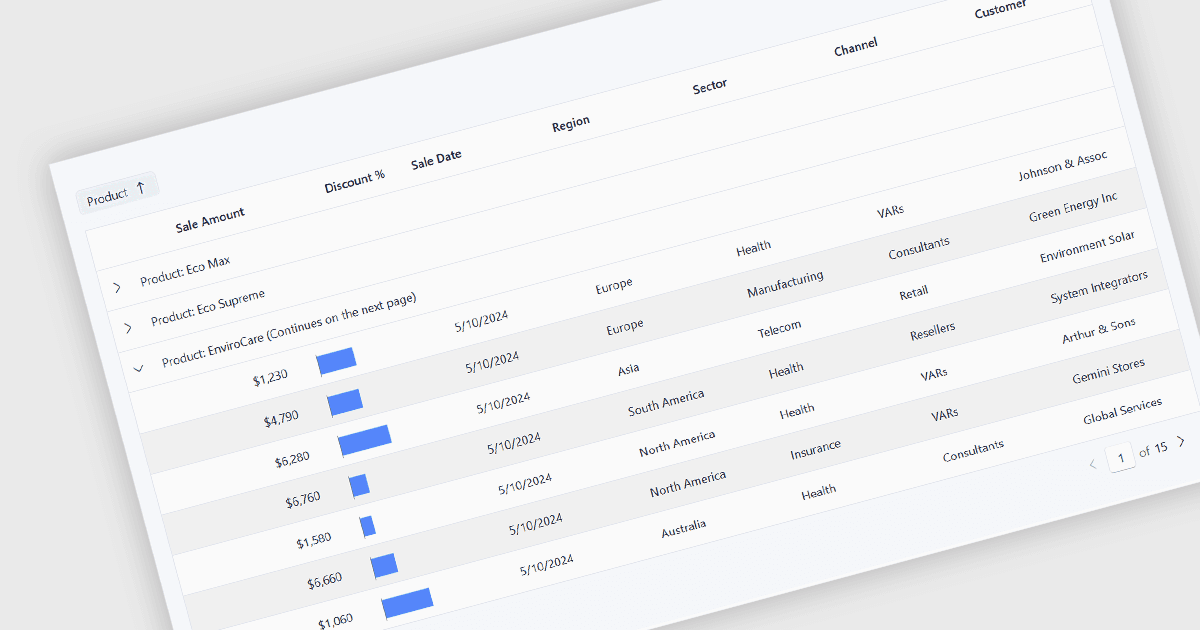
Paging divides a data grid's dataset into smaller, manageable pages so that only a defined number of records are presented at one time. Rather than requiring users to work with an entire dataset in a single view, it provides controls for moving between groups of records and, in many implementations, selecting how many rows appear on each page. This makes large datasets easier to browse and helps users locate and review information without displaying an excessive number of rows simultaneously. Paging can also improve application performance, particularly with substantial datasets, by reducing the amount of data that the grid needs to retrieve, process and render at once. When server-side paging is supported, applications can request only the records required for the current page, further reducing data transfer and processing requirements.
Several jQuery grid components include paging functionality, including:
- DevExtreme jQuery Data Grid by DevExpress enables paging by default, with configurable page size, navigation controls, page information and external pagination.
- Kendo UI jQuery Data Grid (Table) by Telerik supports configurable and server-side paging, with controls that can appear only when multiple pages are required.
- jQWidgets jQuery Grid supports configurable page sizes, initial pages, multiple paging modes and custom pagers for flexible navigation through large datasets.
- Infragistics Ultimate UI for jQuery Data Grid provides configurable page sizes, navigation, page selection, visible page counts and CSS customization.
For an in-depth analysis of features and price, visit our comparison of jQuery grid components.