Emphasize Key Points in a PDF
Highlight text in PDFs to quickly identify key information, organize important content, streamline document reviews, and improve collaboration.
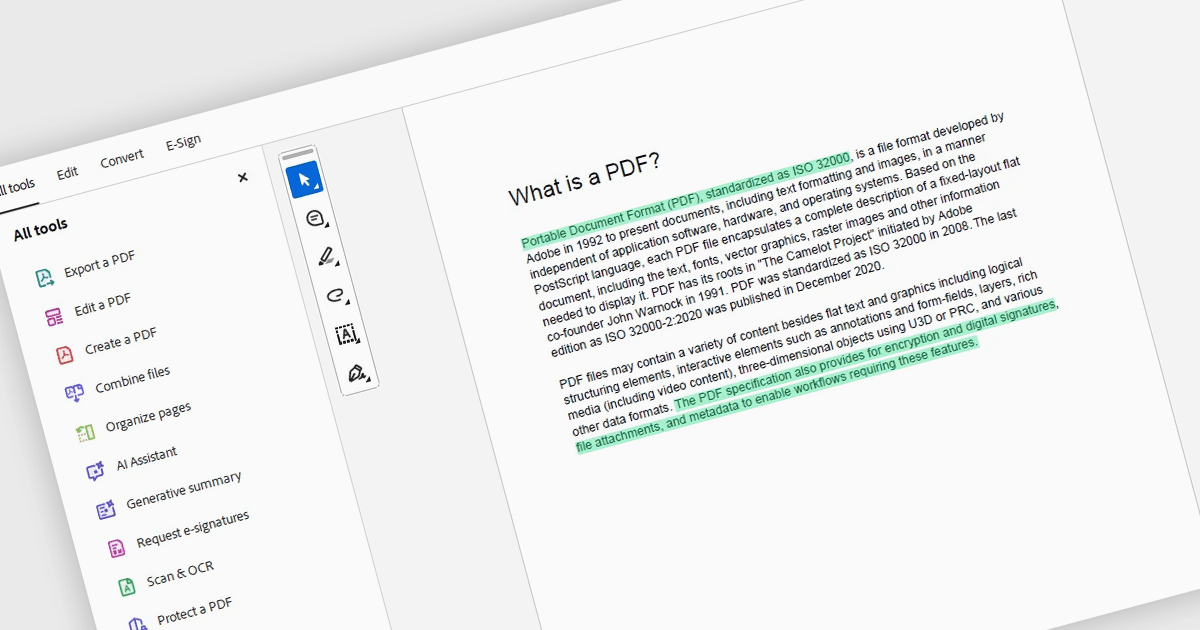
Highlighting text in a PDF allows users to visually emphasize important words, phrases, or sections without altering the original document content. By drawing attention to key information, highlighting makes lengthy documents easier to review, helps users quickly locate important details, and supports better organization through color-coded annotations. It can also improve collaboration by clearly identifying areas that require attention, discussion, or follow-up. This functionality is particularly useful when reviewing contracts, studying research papers, analyzing reports, working through technical manuals, or providing feedback on shared documents.
Several .NET PDF components offer highlight text annotation including:
- DevExpress PDF Document API for .NET lets you highlight PDF text programmatically, simplifying reviews, proofreading, audits, and collaborative workflows.
- IronPDF for .NET by Iron Software allows you to annotate PDF content programmatically, helping emphasize important information during document reviews.
- PDF4NET by PDF4DEV Solutions facilitates PDF text highlighting with markup annotations, helping developers emphasize key content for review and collaboration.
- Syncfusion .NET PDF Library lets you highlight PDF text using markup annotations, making important content easier to review and identify.
For an in-depth analysis of features and price, visit our comparison of .NET PDF components.