Simplify Value Selection with a Listbox
Use predefined options to improve data consistency, reduce entry errors, and provide a more predictable editing experience.
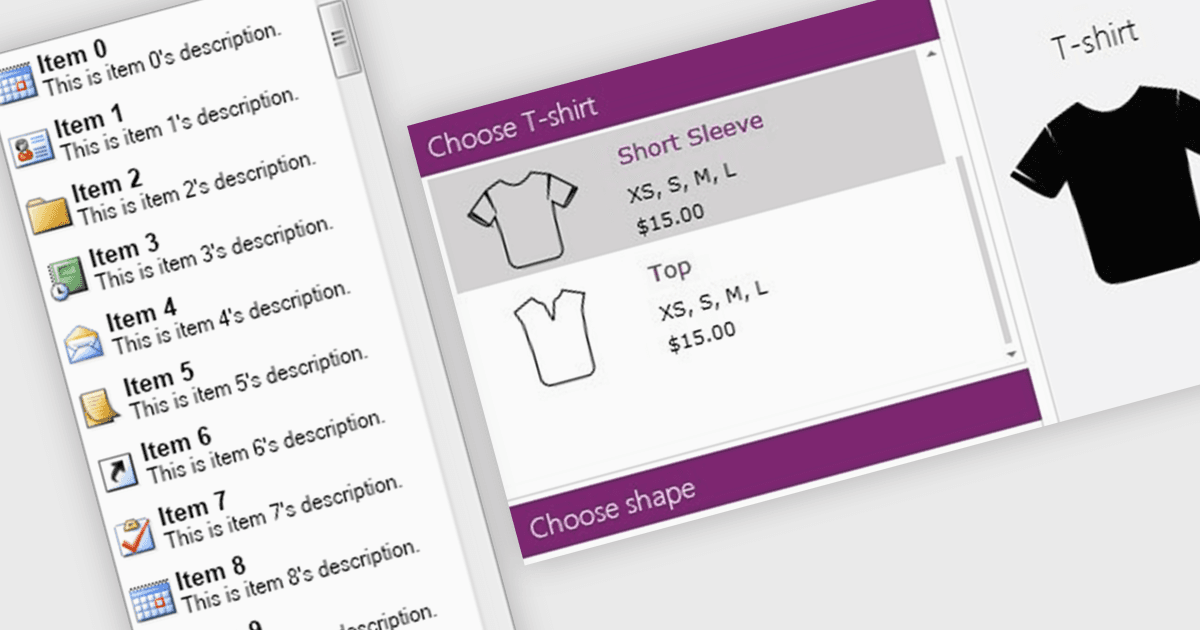
A listbox is a user interface control that allows users to select a value from a predefined set of options when viewing or editing a data field. It is commonly used for fields with constrained values, such as status, category, type, or priority, and may support single or multiple selections depending on the implementation. By restricting input to valid options, a listbox improves data consistency, reduces validation errors and manual entry, simplifies the editing experience, and gives developers greater control over the values stored or submitted by the application.
Several .NET WPF data editors can provide you with listbox functionality, including:
- DevExpress WPF Data Editors lets you present predefined choices through listbox controls, supporting efficient value selection and consistent data entry.
- Telerik UI for WPF Data Editors allows you to display selectable listbox items, helping users navigate choices and enter valid values.
- Xceed Toolkit Plus for WPF facilitates listbox-based selection with customizable controls, giving developers flexibility when managing predefined data choices.
- NOV UI for .NET by Nevron enables you to build listbox interfaces for displaying, navigating, and selecting items within .NET applications.
For an in-depth analysis of features and price, visit our .NET WPF data editors comparison.