Automate Calculations with Spreadsheet Formulas
Built-in spreadsheet formulas simplify calculations, improve productivity, and deliver accurate results across a wide range of applications.
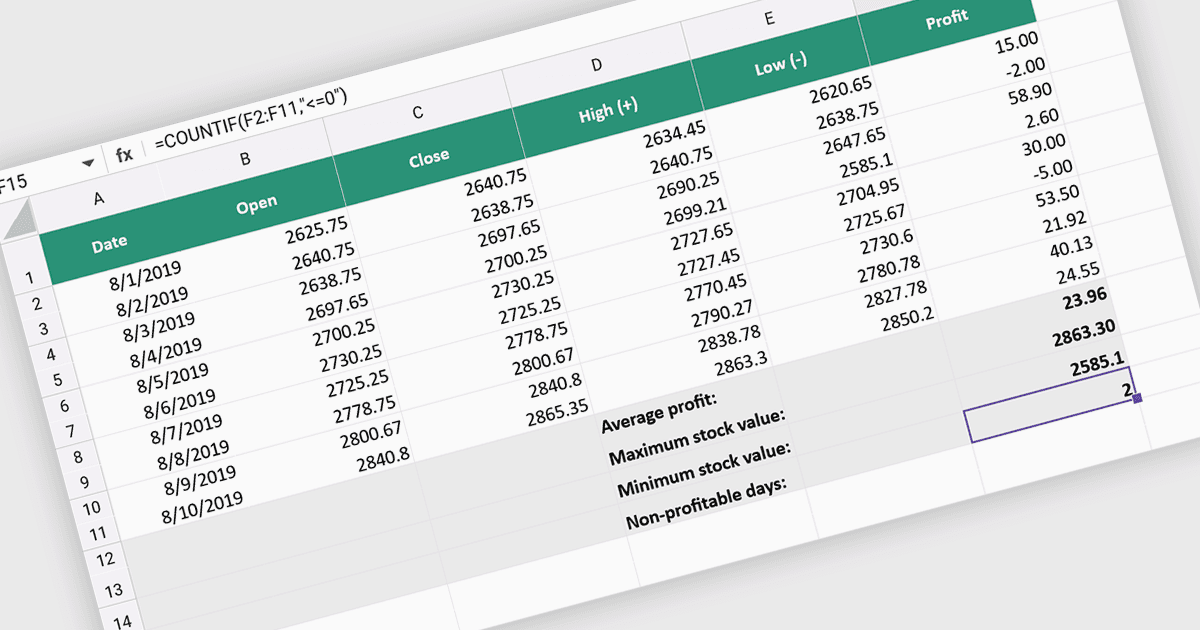
Spreadsheet formulas enable developers to add automatic calculation capabilities to spreadsheet applications without implementing custom calculation logic. By supporting commonly used formulas, the component can perform calculations, update results dynamically as data changes, and deliver consistent, accurate outputs across worksheets. This improves productivity, reduces manual effort, and simplifies the development of data-driven applications. Typical use cases include financial modeling, budgeting, sales reporting, inventory tracking, forecasting, scientific calculations, and any business application that relies on automated spreadsheet calculations.
Several React spreadsheet controls offer formula and function support including:
- KendoReact Spreadsheet by Telerik lets you automate calculations using built-in spreadsheet formulas, improving accuracy, productivity, and dynamic data processing across React applications.
- Wijmo React Spreadsheet by MESCIUS allows you to perform automatic calculations with familiar formulas, reducing manual effort in interactive business spreadsheets efficiently.
- Infragistics Ignite UI for React Spreadsheet facilitates reliable spreadsheet calculations through extensive formula support, helping developers create data-driven applications faster.
- Syncfusion React Spreadsheet lets you leverage common spreadsheet formulas to automate calculations, maintain accuracy, and simplify data analysis workflows efficiently.
For an in-depth analysis of features and price, visit our React spreadsheet controls comparison.