Simplify Numeric Input in JavaScript
Numeric spin data editors improve accuracy and control with defined increments, value limits, validation and flexible number formatting.
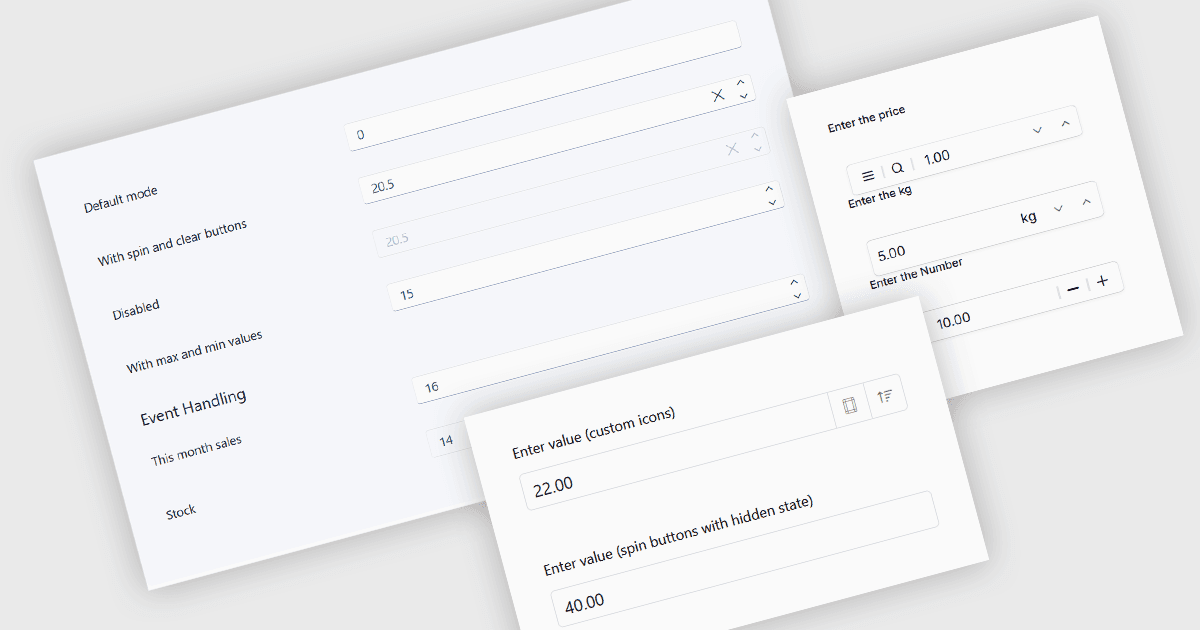
Numeric data editors are user interface controls designed specifically for entering, displaying and modifying numerical values. They typically provide features such as numeric formatting, predefined minimum and maximum values, validation, decimal precision and configurable increments, helping applications maintain consistent and appropriate data input. Numeric spin editors extend this functionality with spin buttons that increment or decrement the current value by a defined step, often alongside direct keyboard entry. These capabilities can improve input accuracy and usability while giving users flexible ways to enter or adjust values for fields such as quantities, measurements, percentages, prices and other numerical data.
Several JavaScript data editor collections include numeric spin functionality, including:
- DevExtreme Angular Data Editors by DevExpress provides NumberBox, with typed input, spin buttons, keyboard and mouse-wheel controls, and value limits.
- Wijmo Vue Data Editors by MESCIUS includes InputNumber, with formatted values, configurable spin buttons and steps, and minimum and maximum limits.
- KendoReact Data Editors by Telerik provides NumericTextBox, with direct input, configurable spin buttons and steps, and support for common numeric formats.
- Syncfusion JavaScript Data Editors offers Numeric Textbox, with customizable spin buttons and steps, number formatting, precision and value limits.
For an in-depth analysis of features and price, visit our comparison of JavaScript data editor collections.