Quickly Locate Relevant PDF Content
Implementing table of contents navigation in ASP.NET MVC applications provides readers with a structured way to find specific pages or sections in a PDF.
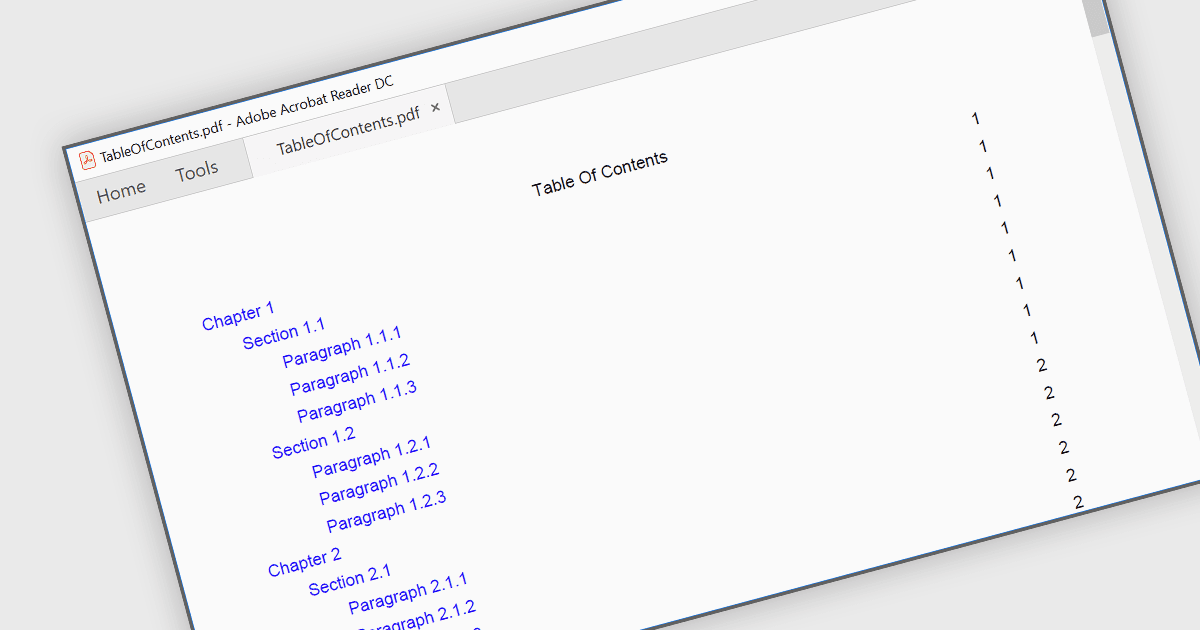
A table of contents (TOC) provides an organized index of the sections in a PDF document. These typically identify the corresponding pages for each section and, when links or bookmarks are included, allow readers to move directly to the relevant content. This is particularly useful in lengthy or highly structured PDFs, such as technical documentation, user manuals, reports, specifications, contracts, and digital publications, where readers may need to locate specific information quickly. By providing direct access to individual sections, a TOC reduces the need to search or move through pages sequentially while giving readers a clear overview of the PDF's structure.
Several PDF components for ASP.NET MVC allow you to navigate via a table of contents, including:
- ComponentOne ASP.NET MVC PDF (part of ComponentOne Studio ASP.NET MVC by MESCIUS) supports creating tables of contents with bookmarks and local links for PDF navigation.
- XFINIUM.PDF CROSS-PLATFORM BUNDLE supports automatic table of contents generation for flow documents in ASP.NET MVC applications, with dedicated settings for configuring TOC creation.
- Syncfusion .NET PDF Library (part of Syncfusion Essential Studio Enterprise) supports creating tables of contents from PDF bookmarks in ASP.NET MVC, with links to corresponding content.
For an in-depth analysis of features and price, visit our comparison of ASP.NET MVC PDF components.