Share Reports in a Consistent Format
Export to PDF functionality gives Blazor reporting applications a practical way to deliver fixed-layout reports that are easy to share, print and archive.
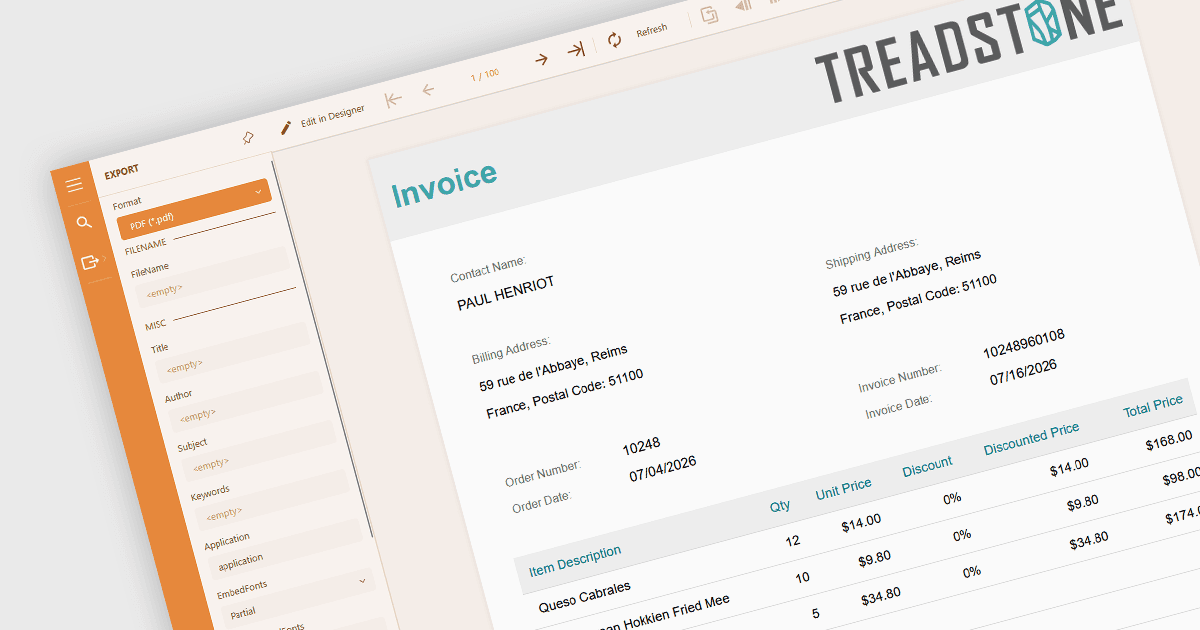
Exporting reports to Portable Document Format (PDF) converts generated report content into a fixed-layout document that can be viewed, shared, printed and archived independently of the reporting application. Because PDF preserves pagination and visual formatting across systems, it provides a practical way to distribute finished reports while offering options such as security, accessibility and archival compliance where supported.
Several Blazor reporting components allow you to export to PDF, including:
- DevExpress Reporting exports reports to PDF from its Blazor report viewers or programmatically, with configurable export options for controlling the content and format of the resulting PDF documents.
- ActiveReports.NET by MESCIUS enables reports to be downloaded as PDF from its Blazor Viewer or generated programmatically, providing configurable PDF output for distributing and printing reports.
- Telerik Reporting provides PDF export from Blazor report viewers and through programmatic rendering, producing fixed-layout documents that retain content, formatting, bookmarks and hyperlinks.
- TX Text Control .NET Server for ASP.NET generates PDF or PDF/A reports by merging templates with application data, providing server-side PDF document creation for Blazor Server applications.
For an in-depth analysis of features and price, visit our comparison of Blazor reporting components.