Enrich Spreadsheets with Images
Add images to spreadsheets to provide visual context, improve data presentation, and create richer, more informative reports.
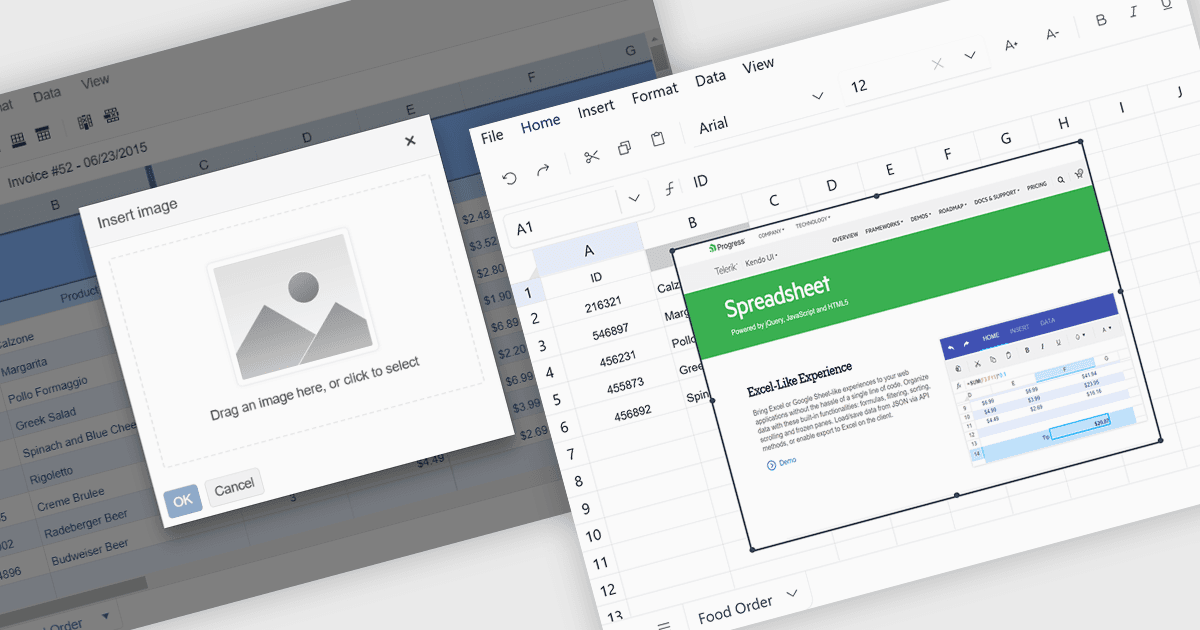
Including images in spreadsheets allows users to combine visual content with structured data, making information clearer, more engaging, and easier to identify. Images such as product photos, company logos, diagrams, and screenshots can provide additional context while improving the presentation of reports and business documents. This functionality is particularly useful for creating product catalogs, inventory records, financial reports, branded templates, employee directories, and other spreadsheets where visual information complements the underlying data.
Several ASP.NET Core spreadsheet components support inserting images, including:
- Telerik UI for ASP.NET Core Spreadsheet allows you to incorporate images into worksheets, supporting richer data presentation, product records, and reports.
- DevExpress ASP.NET Core Spreadsheet lets you insert and manage images in worksheets, creating visually rich spreadsheets with contextual graphics and branding.
- ComponentOne ASP.NET Core Excel facilitates image integration in Excel workbooks, enabling developers to generate professional documents combining structured data with relevant visuals.
- Infragistics Ultimate UI for ASP.NET Core Excel Library lets you embed images in spreadsheets to improve reporting, branding, and visual data communication.
For an in-depth analysis of features and price, visit our ASP.NET Core spreadsheet controls comparison.