Extract Pages from a PDF in WinForms
Work with selected PDF pages independently from the original file to support easier reuse, sharing, and document management within WinForms applications.
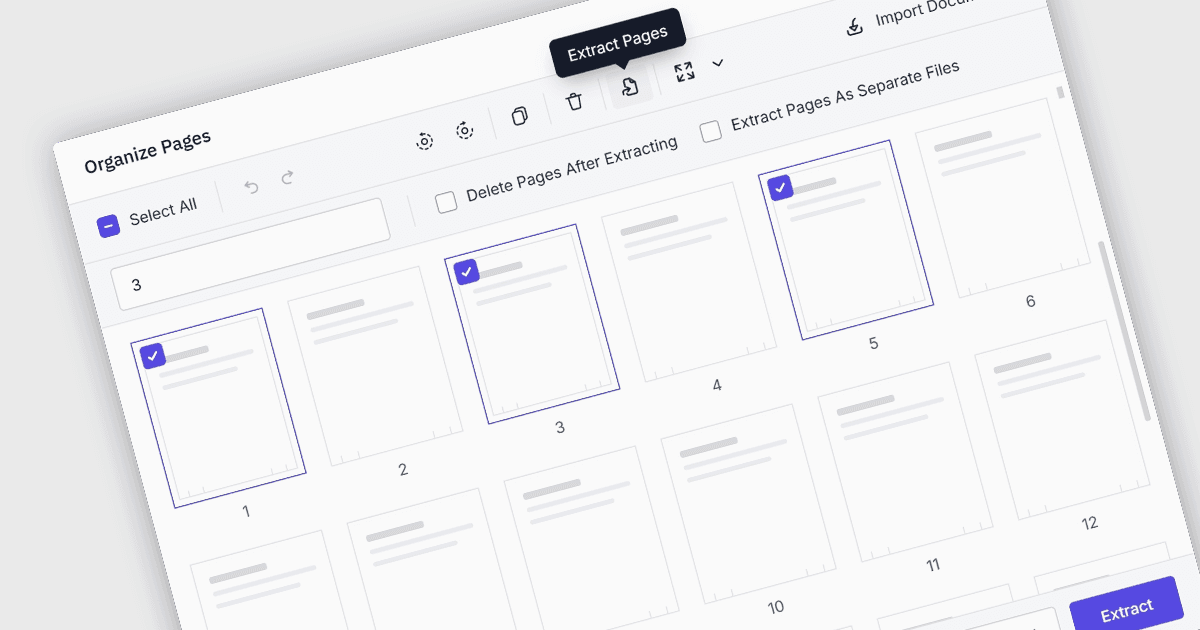
PDF page extraction is the process of selecting one or more pages from an existing Portable Document Format (PDF) file and saving or processing them separately. It enables applications to create smaller, more focused documents, separate relevant content for distribution or archiving, reorganize files, and support document-processing workflows without requiring users to recreate the original material.
Several WinForms PDF components allow you to extract pages from a PDF, including:
- Telerik UI for WinForms PdfProcessing (part of Telerik UI for WinForms) supports extracting a specified range of pages from an existing PDF by cloning them into a new document.
- XFINIUM.PDF CROSS-PLATFORM BUNDLE supports extracting pages from existing PDF files, enabling applications to separate required pages from a source document.
- Syncfusion WinForms PDF Viewer SDK (part of Syncfusion Essential Studio PDF Viewer SDK) includes PDF page extraction functionality for working with selected pages in PDF documents.
For an in-depth analysis of features and price, visit our comparison of WinForms PDF components.