Work with SQLite Directly in Your IDE
Open SQLite databases, explore tables, edit data and run SQL queries alongside your application code.
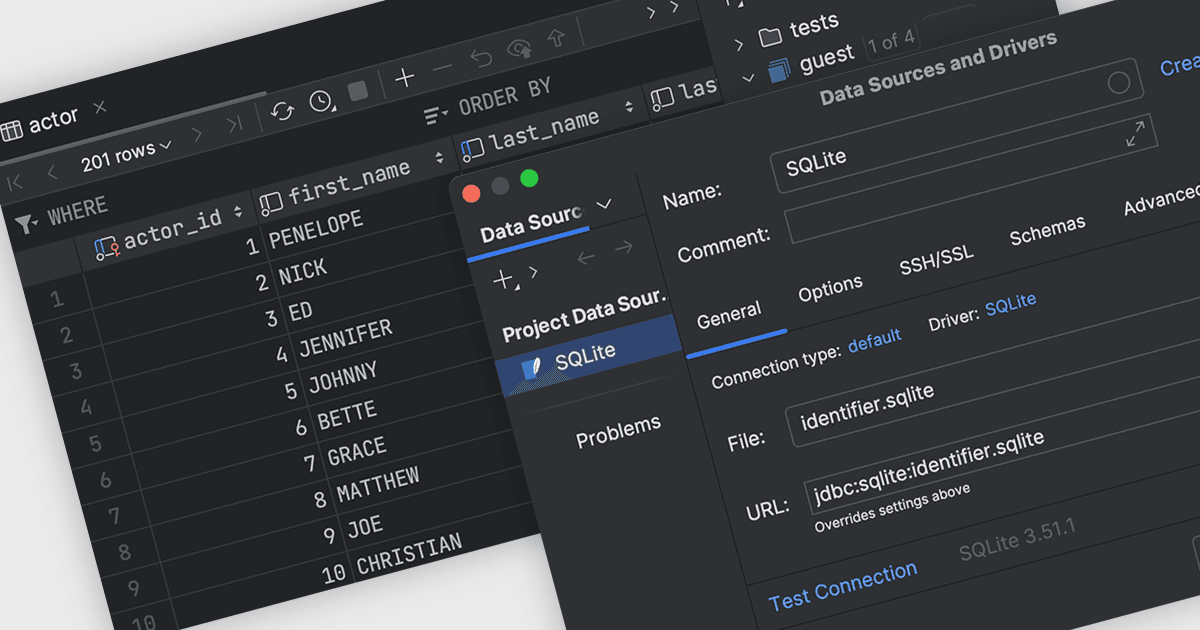
SQLite support in an integrated development environment (IDE) lets developers work with SQLite databases without leaving the IDE. Developers can open database files, view tables and schemas, edit data, run Structured Query Language (SQL) queries, and inspect results alongside their code, making it easier to develop, test, and debug applications that use SQLite.
Several Integrated Development Environments (IDEs) contain support for SQLite connectivity including:
- IntelliJ IDEA by JetBrains lets you connect to SQLite databases, browse schemas, edit data, run SQL queries, and inspect results within the IDE.
- Delphi by Embarcadero allows you to build SQLite applications using integrated database components, connection tools, data access features, and SQL development capabilities.
- Microsoft Visual Studio facilitates SQLite development through extensions and libraries for connecting databases, managing data, executing queries, and building applications.
For an in-depth analysis of features and price, visit our comparison of Integrated Development Environments (IDEs).