Add Checked Listboxes to React Forms
Give users a clear way to select and review multiple options with checkbox-based list controls.
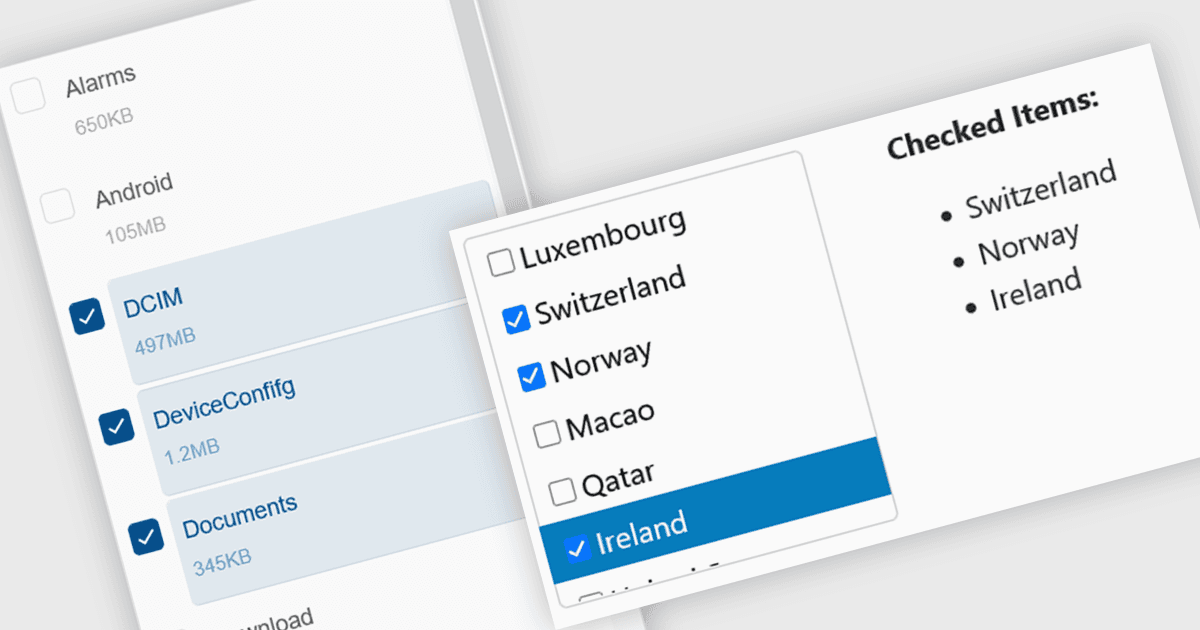
Checked listboxes display a checkbox alongside each item in the list, giving users a clear way to make and review multiple selections. In React applications, they are useful for filters, permissions, configuration screens, category selection, and other forms where several values can be active at the same time.
Several React data editors can provide you with checked listbox functionality, including:
- Wijmo React Data Editors by MESCIUS includes listbox functionality for displaying checkboxes with list items, allowing multiple values to be selected in a compact, data-bound control.
- DevExtreme React Data Editors by DevExpress provides list-based selection controls that support checkbox-driven multiple selection, helping users manage sets of options directly within React forms.
- KendoReact Data Editors by Telerik provides checkbox-based multiple selection through its MultiSelect component, displaying a checkbox alongside each list item so users can review and change several selections directly.
- Smart UI Data Editors for React by Smart HTML Elements includes a checked listbox for presenting selectable items with checkboxes, giving users a clear way to make and manage multiple selections within a visible list.
For an in-depth analysis of features and price, visit our React data editors comparison.