Customize Data Editors with Themes
Create consistent, branded editing experiences by applying flexible visual styles that align with the wider application interface.
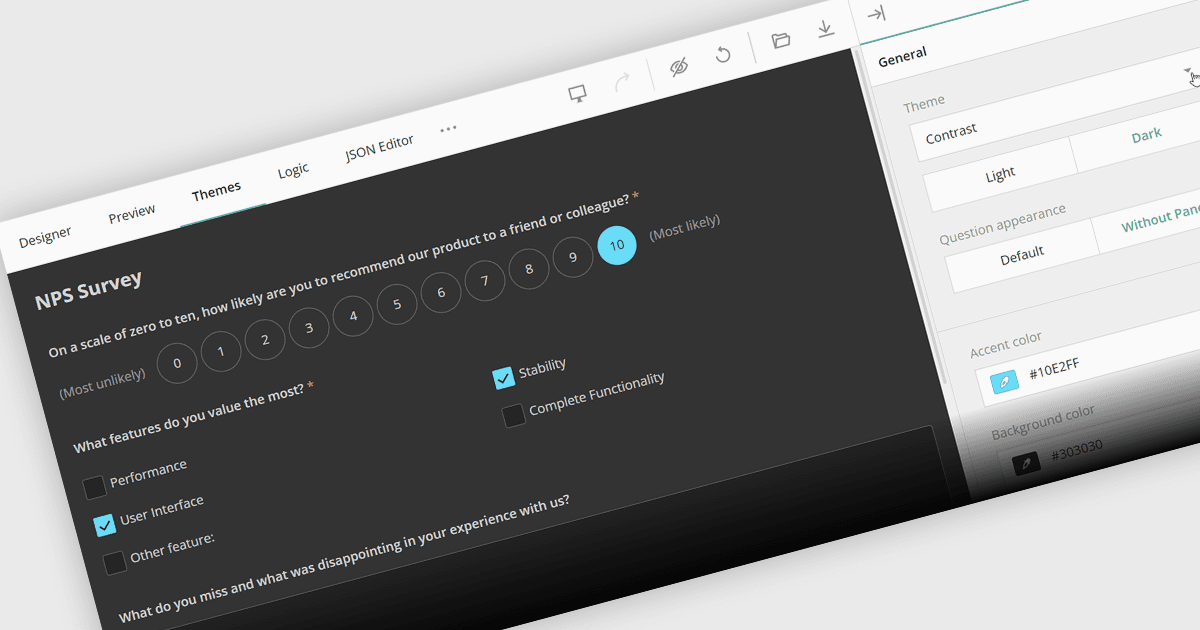
Themes in data editors define and control the visual appearance of interfaces used to view, enter, and modify data, including elements such as colors, typography, fields, controls, and interaction states. They enable developers to create a consistent design across editing components, align interfaces with application branding, support options such as light and dark modes, and improve usability for end users. Centralized theme settings can also reduce development and maintenance effort by allowing visual changes to be applied consistently without styling each component individually.
Several .NET Blazor data editor collections offer support for themes including:
- Telerik UI Blazor Data Editors lets developers apply customizable themes to create consistent, accessible editing experiences that align with application branding.
- Blazorise allows developers to style data editors with flexible themes, supporting consistent visual design across forms, inputs, and application interfaces.
- Smart UI Data Editors for Blazor by Smart HTML Elements facilitates theme customization, helping developers create visually consistent editors.
- Syncfusion Blazor Data Editors enables developers to customize editor themes, providing consistent styling and adaptable visual experiences.
For an in-depth analysis of features and price, visit our .NET Blazor data editor controls comparison.