Protect Data in React Spreadsheets
Use sheet protection and cell locking to keep important spreadsheet values and formulas from being changed accidentally.
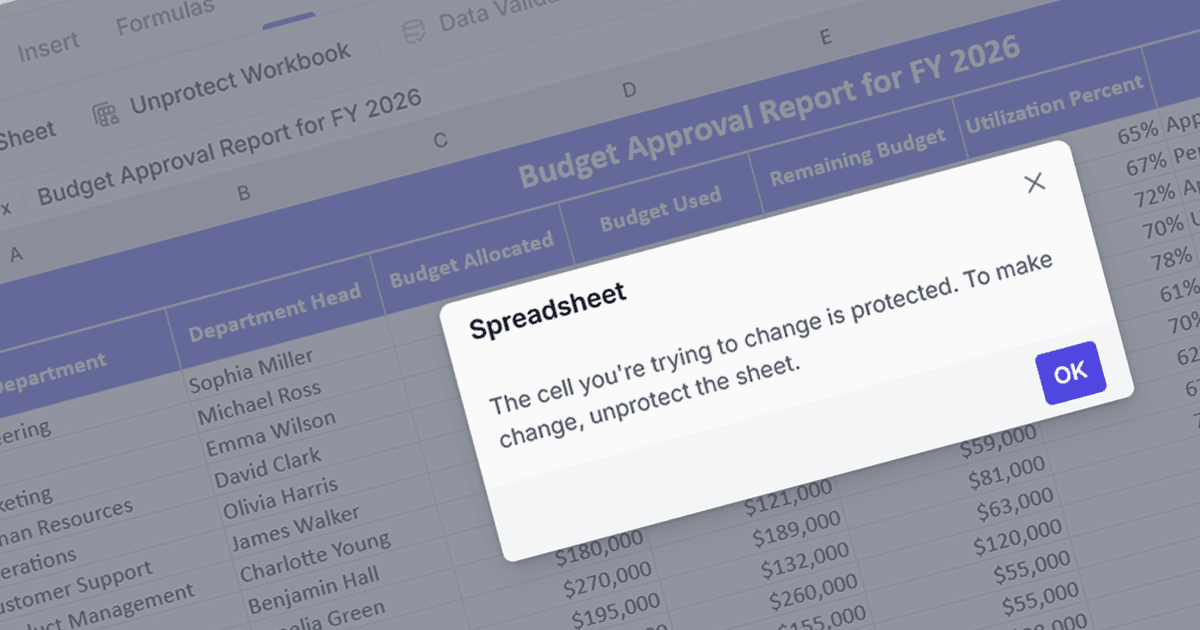
Spreadsheet security features let developers decide which parts of a workbook users can edit. By protecting a worksheet and locking selected cells, they can keep formulas, calculated values and reference data intact while leaving input cells available. This is useful in budgeting, reporting and data entry applications where users need to update figures without changing the structure of the spreadsheet.
Several React spreadsheet components feature security functionality including:
- KendoReact SpreadSheet by Telerik lets developers disable editing in selected cells while keeping other cells editable.
- SpreadJS by MESCIUS supports protected worksheets, locked cells and options that control permitted actions such as sorting and filtering.
- Jspreadsheet Pro lets you lock worksheets and make selected cells read-only, so users can edit only the areas you specify.
- Syncfusion React Spreadsheet Editor SDK supports sheet protection and cell locking to restrict changes to specified areas.
For an in-depth analysis of features and price, visit our React spreadsheet controls comparison.