Style Charts with Custom Themes
Create consistent, customizable charts with themes that simplify styling, improve readability, and align visualizations with application branding.
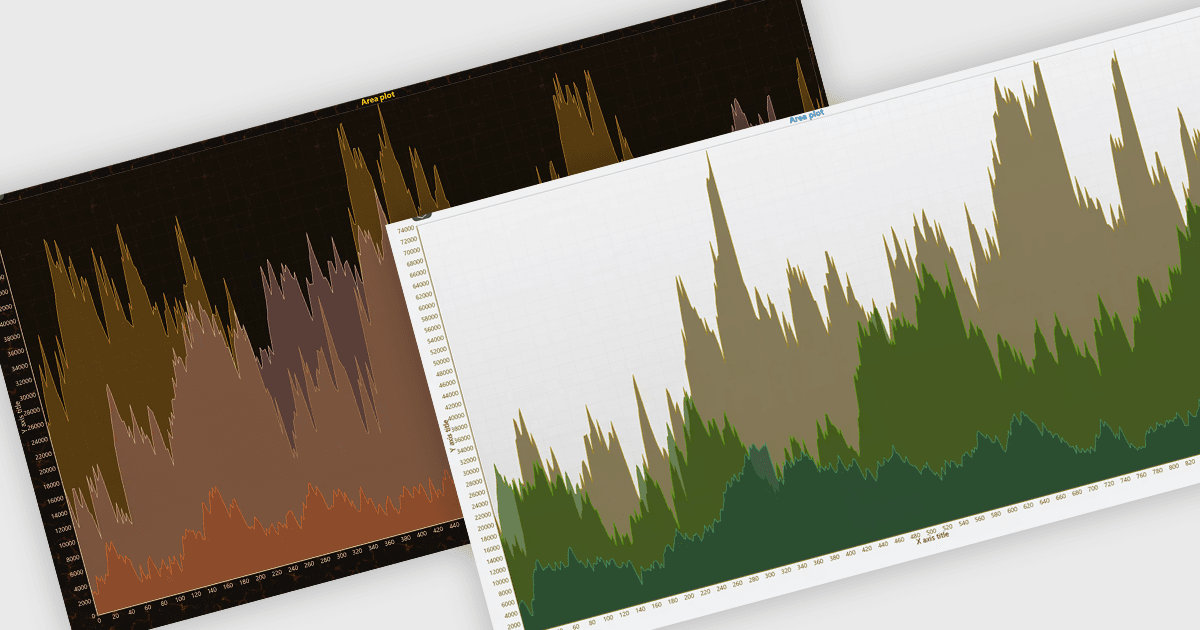
Chart themes provide predefined or customizable visual styles that control elements such as colors, fonts, backgrounds, data series, and other chart components. They help developers maintain a consistent appearance across multiple visualizations while reducing the need to configure individual styling properties manually. Themes can also improve readability, support brand consistency, and make it easier to adapt charts to different interface requirements, such as light and dark modes. Common use cases include business dashboards, reporting applications, analytics platforms, and branded software interfaces where consistent and maintainable data visualization is important.
Several .NET chart components offer the ability to add themes, including:
- DevExpress ASP.NET Core Charts lets you apply predefined or custom themes to create consistent, branded visualizations across ASP.NET Core applications.
- Nevron Chart for .NET provides predefined styles and customizable palettes, enabling developers to create consistent, branded charts across desktop and web applications.
- LightningChart .NET allows you to apply color themes to charts, creating visually consistent data displays suited to different application interfaces.
- TeeChart .NET facilitates customizable chart styling, helping developers create visualizations that complement application interfaces, branding, and dashboards.
For an in-depth analysis of features and price, visit our .NET charts comparison.