Localize PDF Viewers for Multilingual WinForms Apps
Translate PDF viewer controls, tooltips and messages to match the language of your WinForms application.
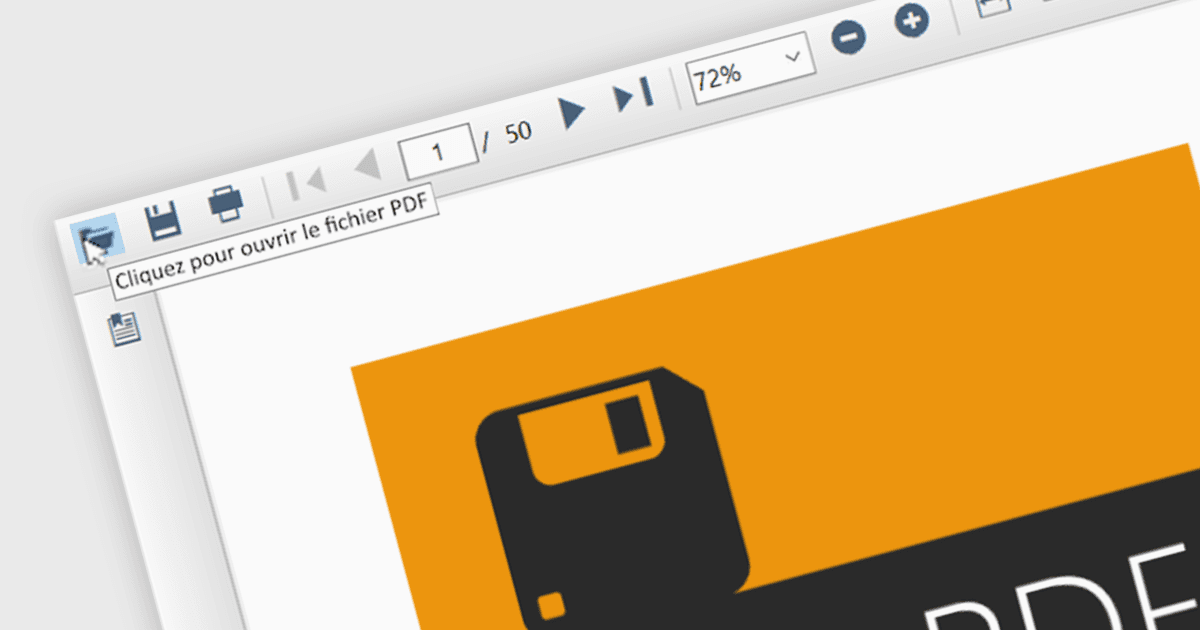
Localization in a WinForms PDF viewer lets developers translate interface text, including navigation commands, tooltips, context menus and dialog messages. This helps users understand the controls for opening, searching and printing documents in their preferred language. For applications used across regional offices or distributed to international customers, a localized viewer also keeps document interactions consistent with the surrounding application interface.
Several WinForms PDF components support localization, including:
- DevExpress WinForms PDF Viewer lets you translate viewer interface captions through custom localizer objects, adapting its controls to your application’s language.
- Telerik UI for WinForms PDF Viewer provides a custom localization provider for translating navigation labels, context menu commands, print dialogs and user messages.
- ComponentOne WinForms FlexViewer by MESCIUS includes a Localize dialog accessible from its design-time Tasks menu, allowing developers to customize viewer localization settings.
- Syncfusion WinForms PDF Viewer SDK uses culture-specific resource files to translate static interface text, including tooltips and context menu contents.
For an in-depth analysis of features and price, visit our comparison of WinForms PDF components.