Compile and Check Code Directly in Your IDE
Windows IDEs with compiler support let developers build applications, review warnings and locate compilation errors without leaving their coding workspace.
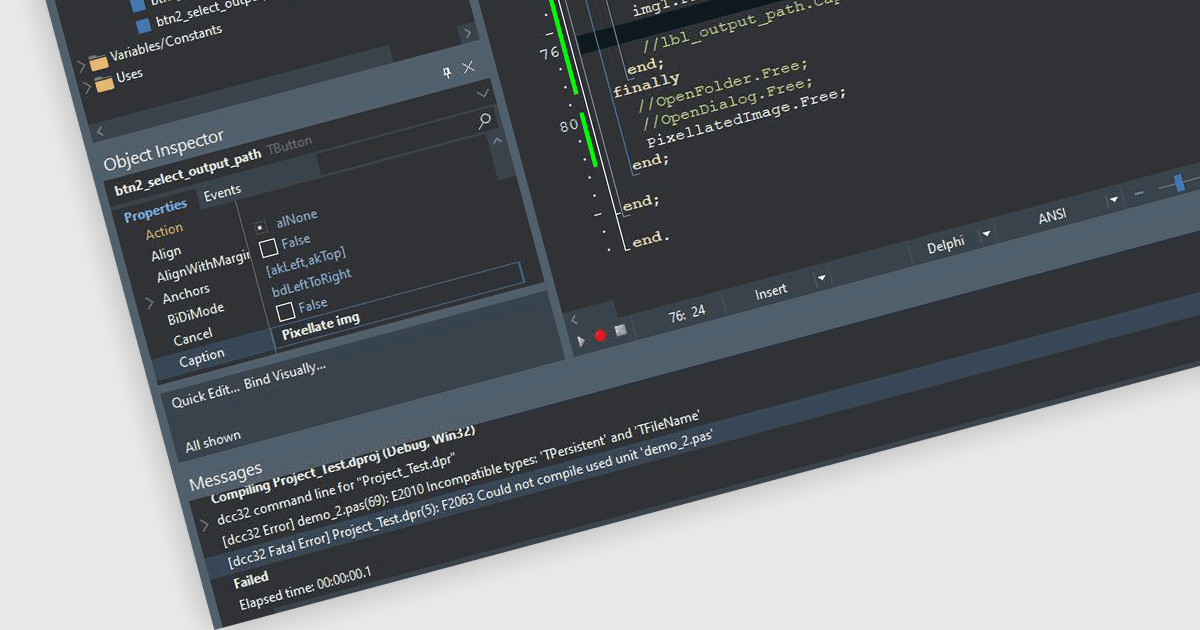
Integrated Development Environments (IDEs) with integrated compiler support let developers build applications, configure compilation settings and review errors and warnings directly within their development environment. Compiler messages help developers identify problems in their source code, make corrections and rebuild without switching between separate applications. Where supported, incremental compilation reduces build times by recompiling only affected code. These capabilities help developers validate changes throughout development, maintain separate build configurations for testing and release, and identify compilation issues earlier in the development process.
Several Integrated Development Environments offer compiler support, including:
- IntelliJ IDEA by JetBrains integrates compilation with project builds, providing configurable compiler settings, error reporting, and incremental builds.
- Delphi by Embarcadero provides an integrated native compiler that generates executable applications, reports compilation errors, and supports configurable builds across multiple target platforms.
- UltraEdit Enterprise includes UEStudio, which supports external compiler integration through configurable project settings, enabling developers to compile code within the editor.
- RemObjects Elements offers integrated compilation across multiple programming languages and target platforms, with inline error reporting and flexible project builds.
For an in-depth analysis of features and price, visit our comparison of Integrated Development Environments (IDEs).