Quickly Navigate React Reports with Tables of Contents
Display structured report headings and sections with corresponding page numbers to help users quickly locate information in lengthy or complex reports.
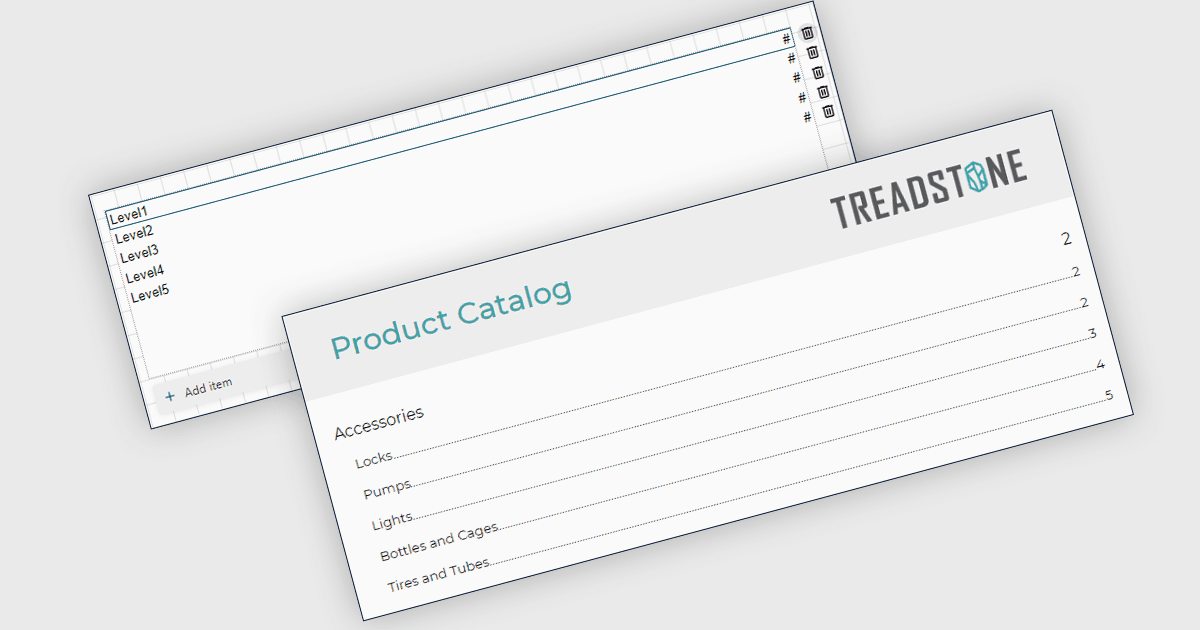
Table of Contents (TOC) support in React Reporting controls allows developers to display a structured list of report headings and sections, along with their corresponding page numbers. This helps users navigate lengthy or complex reports, quickly locate relevant information and better understand the report's organization. The feature is particularly useful for financial reports, business documents and other multi-section reports where clear navigation improves usability.
Several reporting tools compatible with React provide table of contents support, including:
- ActiveReportsJS by MESCIUS generates a structured hierarchy of report headings and labels, displaying their corresponding page numbers within the report.
- DevExpress Reporting builds a table of contents from the report’s bookmark hierarchy, listing sections and their corresponding page numbers in reports displayed through its React Document Viewer.
- Stimulsoft Reports.JS includes a Table of Contents component in its JavaScript report engine, allowing React applications to display an index within the report.
For an in-depth analysis of features and price, visit our React Reporting Tools comparison.